Make Your Character Alive
Assalamu Alaikum

Today, you can understand the video editing tutorial that I will teach you by hearing the name, yes, you can basically lighten any of your PNGs and make them look like they are talking the truth. Many people do this, I also have a faceless channel for their faceless channel where I edit videos in this way. Let's not talk anymore, let's start our tutorial today.
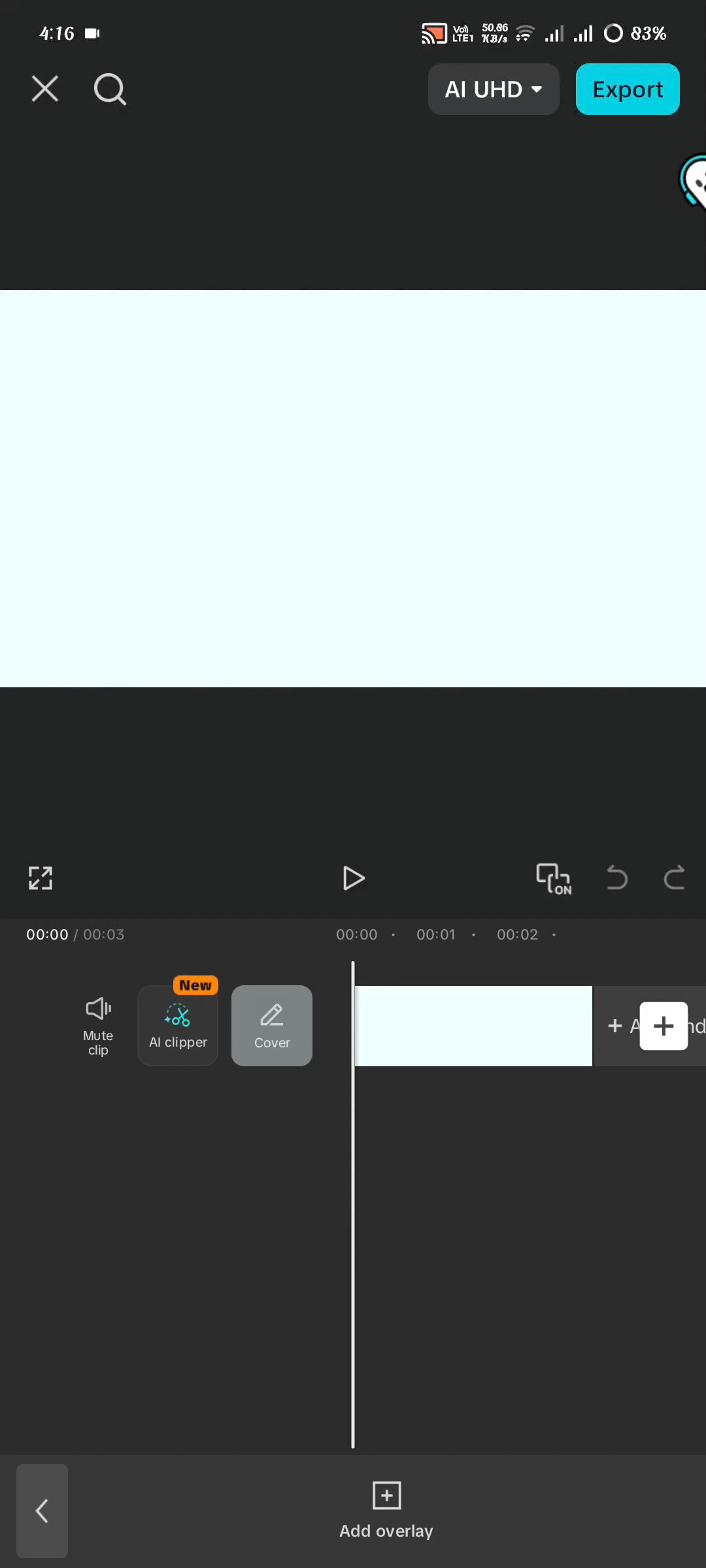
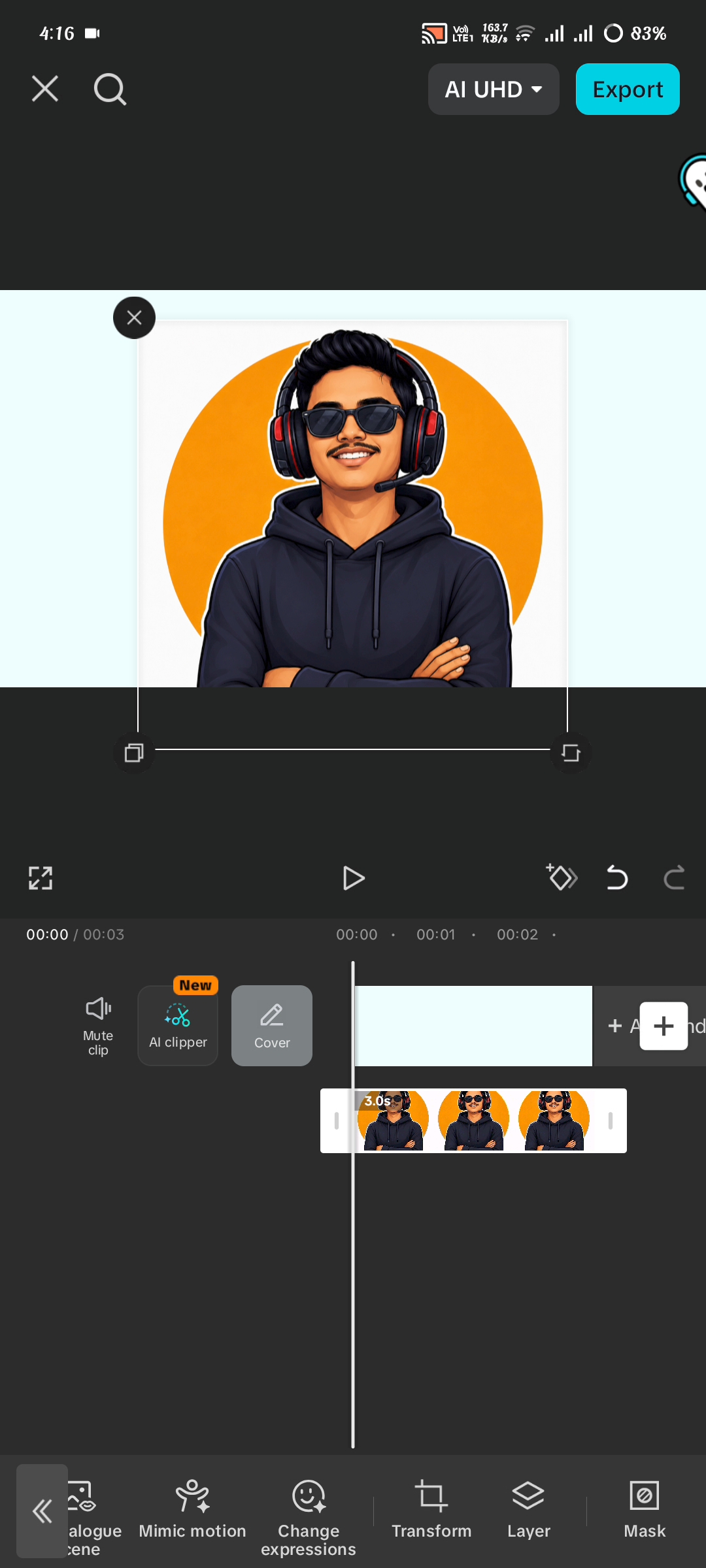
You will go to your video editing timeline and there you will use a background of your choice and use an overlay on that background. That is, you do not have to use what I have used as the background here, you can overlay it on your video if you want, it is completely your personal matter.
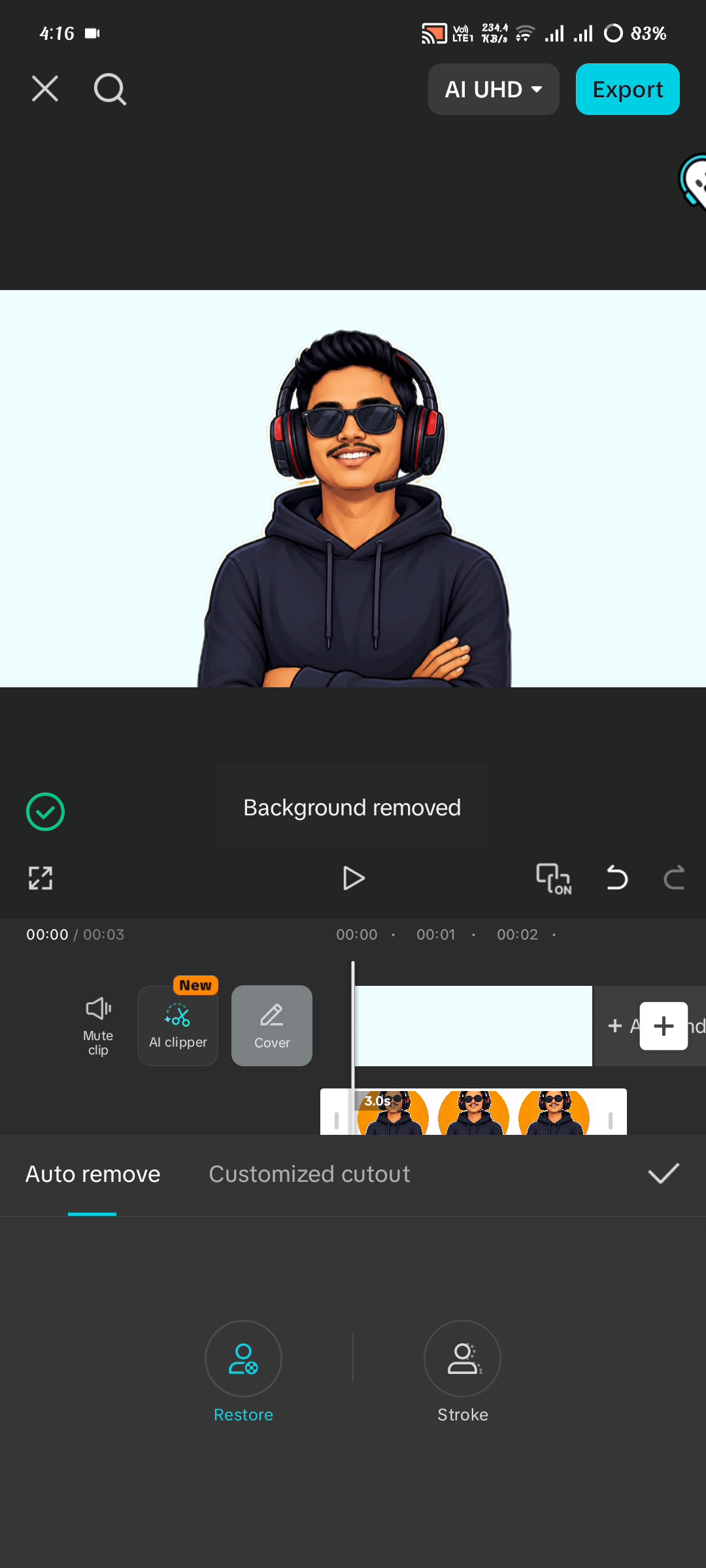
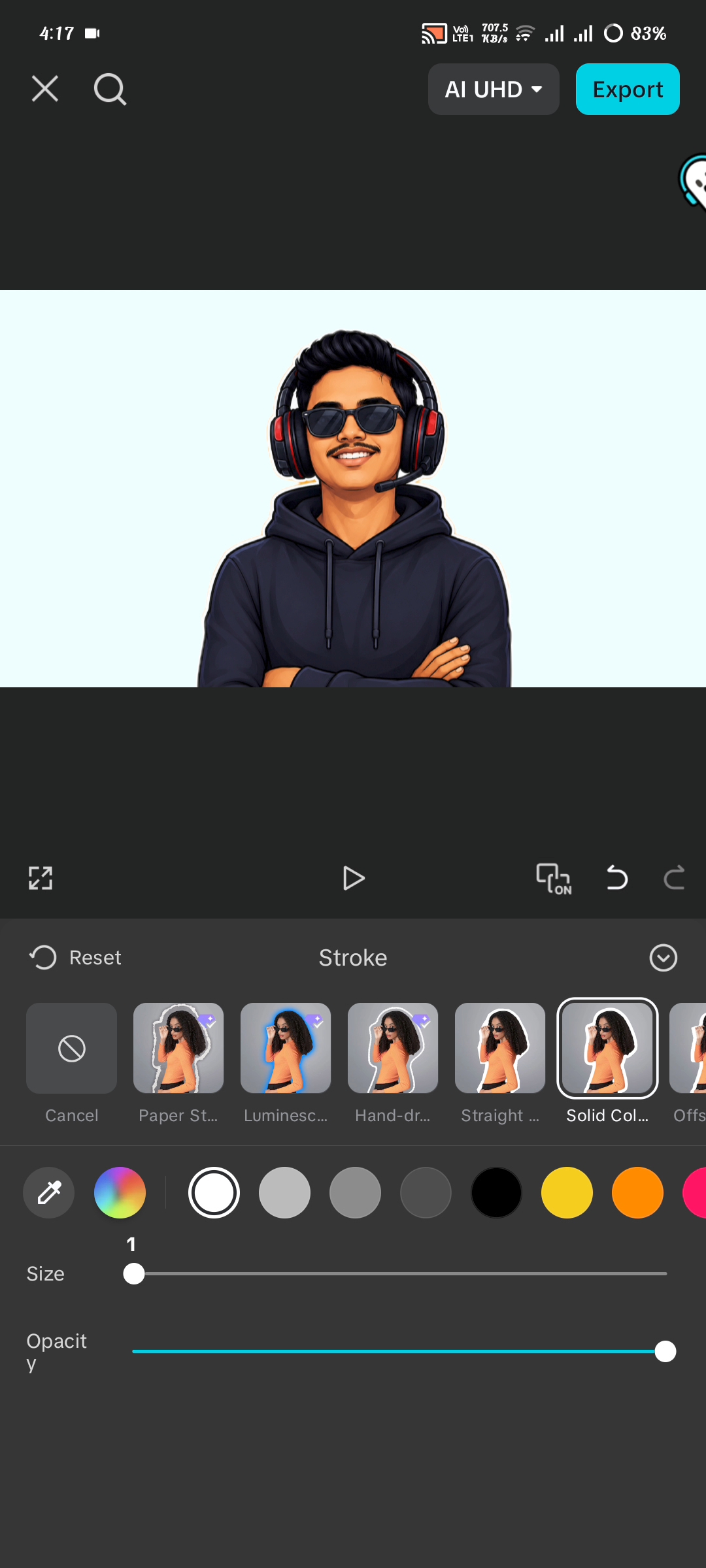
Then you will remove the background of your PNG if there is a background and if your PNG has already had its background cut out, then you will not have to do this anymore, but here you will go to the background remove option and use stroke and bring it all together. After that, you will understand my entire video from beginning to end to know what you have to do. Today's discussion concludes here. I hope you've found it interesting. Please share your thoughts on today's topic. Prayers for everyone. May everyone be well. Amen.

Posted with Speem
Twitter
Your post have been rewarded by the Speak on Steem curator team!
Now become a plus member delegating at least 500 SP
Ways to support us:
Curated by @kibreay001
Hola,
Muchas gracias por publicar en nuestra comunidad. Espero estés teniendo un bendecido día.
Te sigo animando a seguir publicando contenido de calidad como este todos los dias en cotina.
Las publicaciones en nuestra comunidad deben hacerse en idioma español o portugués, o por lo menos tener una traducción en alguno de los dos idiomas
No olvides votar a @cotina como tu testigo o establecernos como proxy de voto!