Easy Steem Editor: Update 95%.....
Easy Steem Editor: Update 95%.....

First of all, I want to thank everyone who supported my application in the developer financial support service. Your support truly influenced the development process. Thank you! ))) Unfortunately, the application did not gather the required amount of SteemPower, which actually gave me the freedom to implement things that weren't initially declared. I stopped developing the editor page in pure code because I fell in love with React and its capabilities. Although it’s not as simple to run locally and contains additional files after the build, it is definitely worth it.
Now, regarding the development plan. The main steps can be considered complete, except for the need for additional UI/UX optimization and perhaps panel positioning. There are some minor details that aren't immediately noticeable or things that work but could be improved.
| Available for review: https://easy-steem-editor-pro.luxalok.workers.dev/ |
|---|
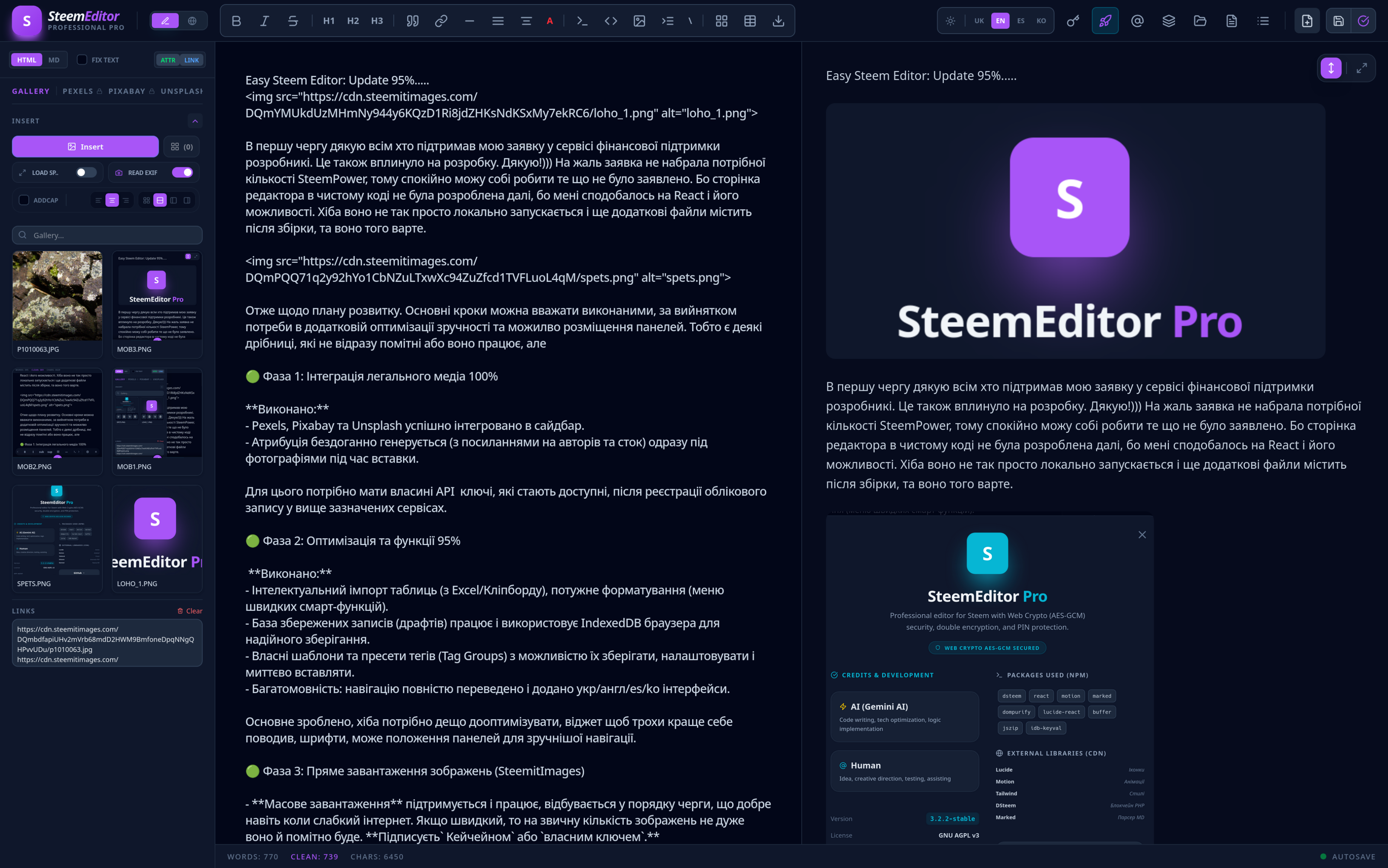 |
| The link leads directly to the Worker because I'm tired of manually uploading files. The screenshot shows a slightly different version of the editor, featuring an extra button on the panel for switching between reading and commenting modes. |
🟢 Phase 1: Legal Media Integration — 100%
Completed:
- Pexels, Pixabay, and Unsplash successfully integrated into the sidebar.
- Attribution is flawlessly generated (with links to authors and the stock site) right under the photos during insertion.
Note: You need your own API keys for this, which become available after registering an account with the aforementioned services.
🟢 Phase 2: Optimization and Features — 95%
Completed:
- Intelligent table import (from Excel/Clipboard) and powerful formatting (smart functions quick menu).
- Drafts database is functional, using the browser's IndexedDB for reliable local storage.
- Custom templates and Tag Groups with the ability to save, customize, and instantly insert them.
- Multilingual interface: Navigation is fully translated, including UKR/ENG/ES/KO interfaces.
The core is done; only minor optimization of the widget behavior, fonts, and panel positions for better navigation is left.
🟢 Phase 3: Direct Image Upload (SteemitImages)
- Bulk Upload: Supported and functional. It processes images in a queue, which works well even with a weak internet connection. If your connection is fast, the queuing is barely noticeable. Signed via Keychain or Private Key.
- Gallery: Uploaded images (during the session) are available in the left panel for easy insertion into the text.
- Smart Local Wallet: Implemented AES-GCM with double encryption, allowing you to set a PIN code. This allows you to store your private key locally and bulk-sign images without repeated password entry. The session remains open for a set number of minutes... It's more secure than keeping it in plain text in the cache, but Keychain remains the safest option.
🟢 Phase 4: Transition to React and Tailwind CSS
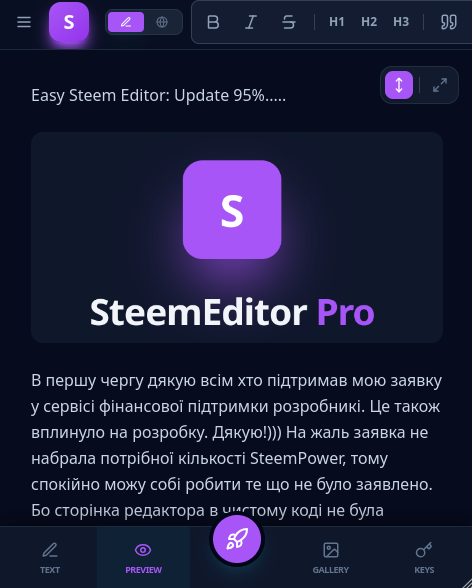
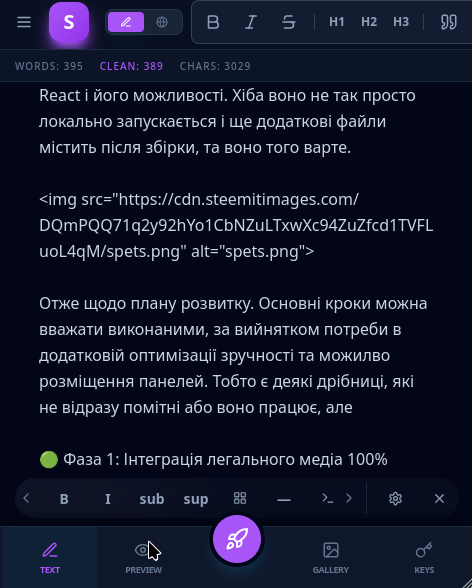
The app has been successfully ported to a modern stack (React, Tailwind). The interface is responsive and works for both PC and standalone/mobile screens.
 |
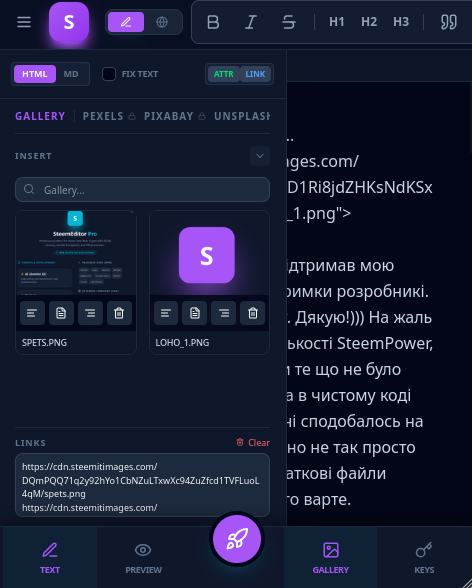 |
The mobile experience features a bottom navigation tab bar, similar to native apps. This means even a simple port to an Android app would work well. While a browser-based version works fine, a native app would require specific memory access permissions.
I assume the Steem Keychain mobile app currently under development will allow users to open such pages and sign transactions securely.
Additional Options
1. Visual Customization & UI/UX
- Dynamic Theming: Added the ability to choose interface accent colors (Cyan, Emerald, Orange, Rose, Violet, etc.). Users can adjust the editor's atmosphere to match their mood.
- Typography Management: Integrated specialized fonts for the input field (Sans, Serif, Mono, Display, Grotesk), allowing authors to choose the most comfortable writing style.
- Smart Floating Widget: The toolbar has two positions: floating (near the cursor) and fixed at the bottom. The widget supports customization (hide unnecessary icons) and Drag-and-Drop to reorder buttons.
- Adaptivity: Deep optimization for mobile: bottom navigation for "Editor/Preview" switching, auto-hiding sidebars after actions, and special scroll behavior for landscape orientation on small screens.
📸 2. Advanced Media Tools
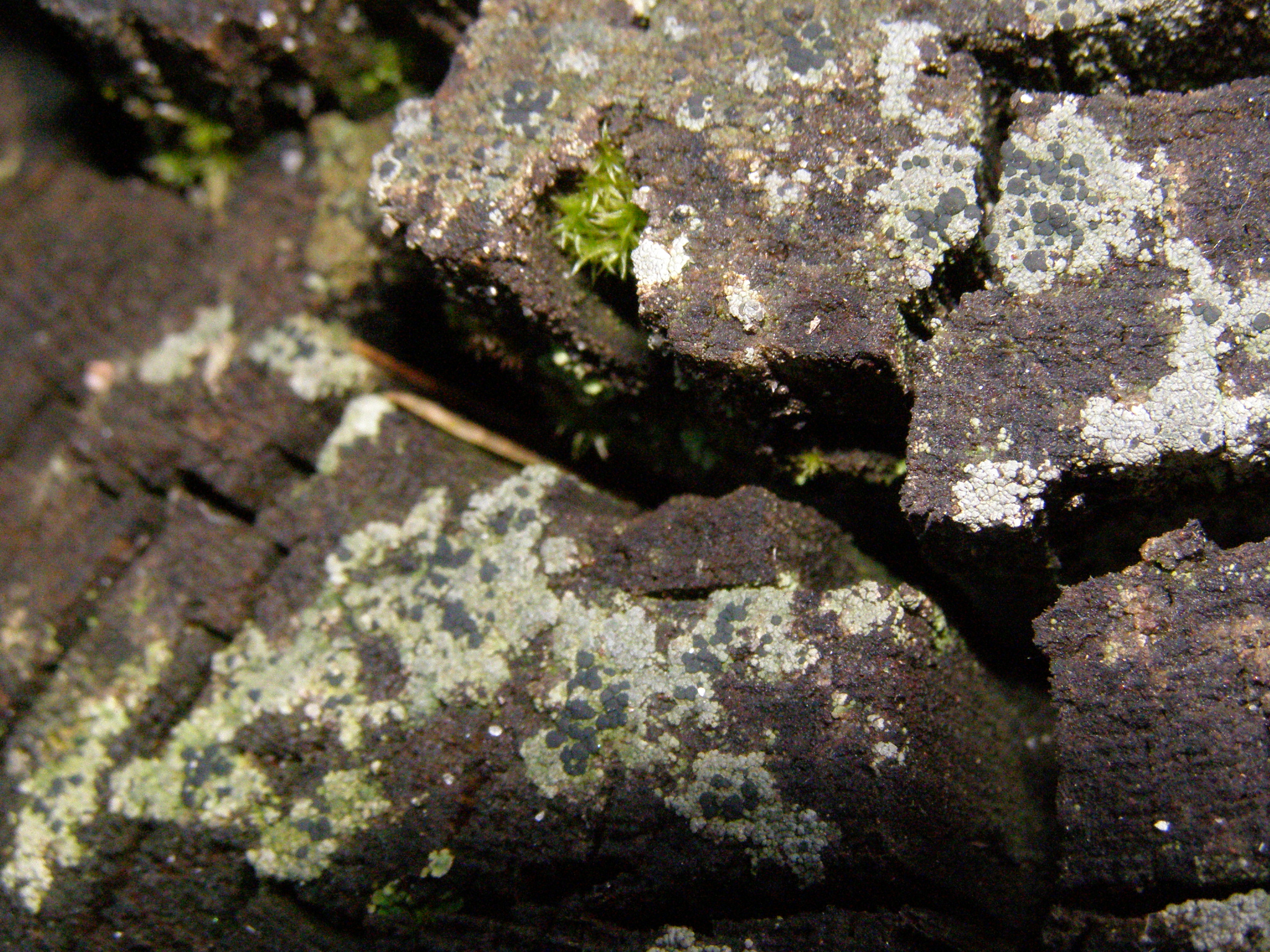
- Automatic EXIF Reading: When uploading original photos, the system extracts EXIF metadata (Camera model, Lens, Aperture, ISO, Shutter speed) and can generate a professional camera info table with one click.
| Param | Camera Info |
|---|---|
| 📸 | OLYMPUS IMAGING CORP. SP510UZ |
| 🔘 | f/5.6 |
| ⏲️ | 1/200 |
| 🎞️ | ISO 400 |
| 🔍 | 14.2 mm |
- Traffic Saver: An optional toggle in settings. When searching on Pexels/Pixabay, the gallery loads lightweight thumbnails instead of originals to save data on slow connections, while the full-quality original is still used in the final post.
- Smart Grids: If you select multiple photos in the gallery, you can insert them as a list or as complex Markdown/HTML structures: a 2x2 grid, a horizontal row, or "Photo + Text" columns.
⚙️ 3. Automation & Quality of Life
- Synchronous Scrolling: When scrolling through long text in the editor, the preview panel automatically syncs to keep the same paragraph in focus. This can be disabled in the settings.
Summary
The editor is fully functional and convenient. It’s particularly efficient for adding images, both personal and from stock services (with personal API keys). Signing image uploads with Keychain might feel a bit repetitive if manual confirmation is on, but it ensures higher security.
While some aspects still need polishing to make them more intuitive, it meets my current needs perfectly. Further updates will be made as time and inspiration allow.
The main plan is 95% complete. Since this is an independent initiative without external support—even from curators—it is what it is.
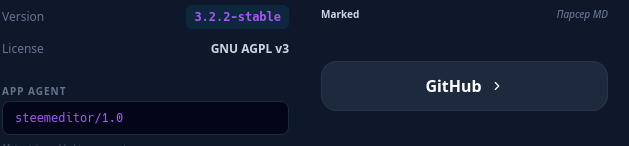
The code is open-source and available on GitHub. You can find the link inside the editor (a large button). If you saw the beginning of this post, I hope your intuition helps you find it (S)). It would be great if someone forks/copies it to ensure the data persists longer.