How to Use the Blog Writing Feature on SteemOne: A Complete Guide
Greetings Everyone!
In today's post, I will share the complete process of using the Blog Writing Feature on SteemOne. This feature can be extremely useful for anyone who wants to create blogs quickly, beautifully, and in a well-organized manner.
Let's take a step-by-step look at how you can use this feature.
Step 1: Visit SteemOne
First, visit the SteemOne platform and log in to your account.
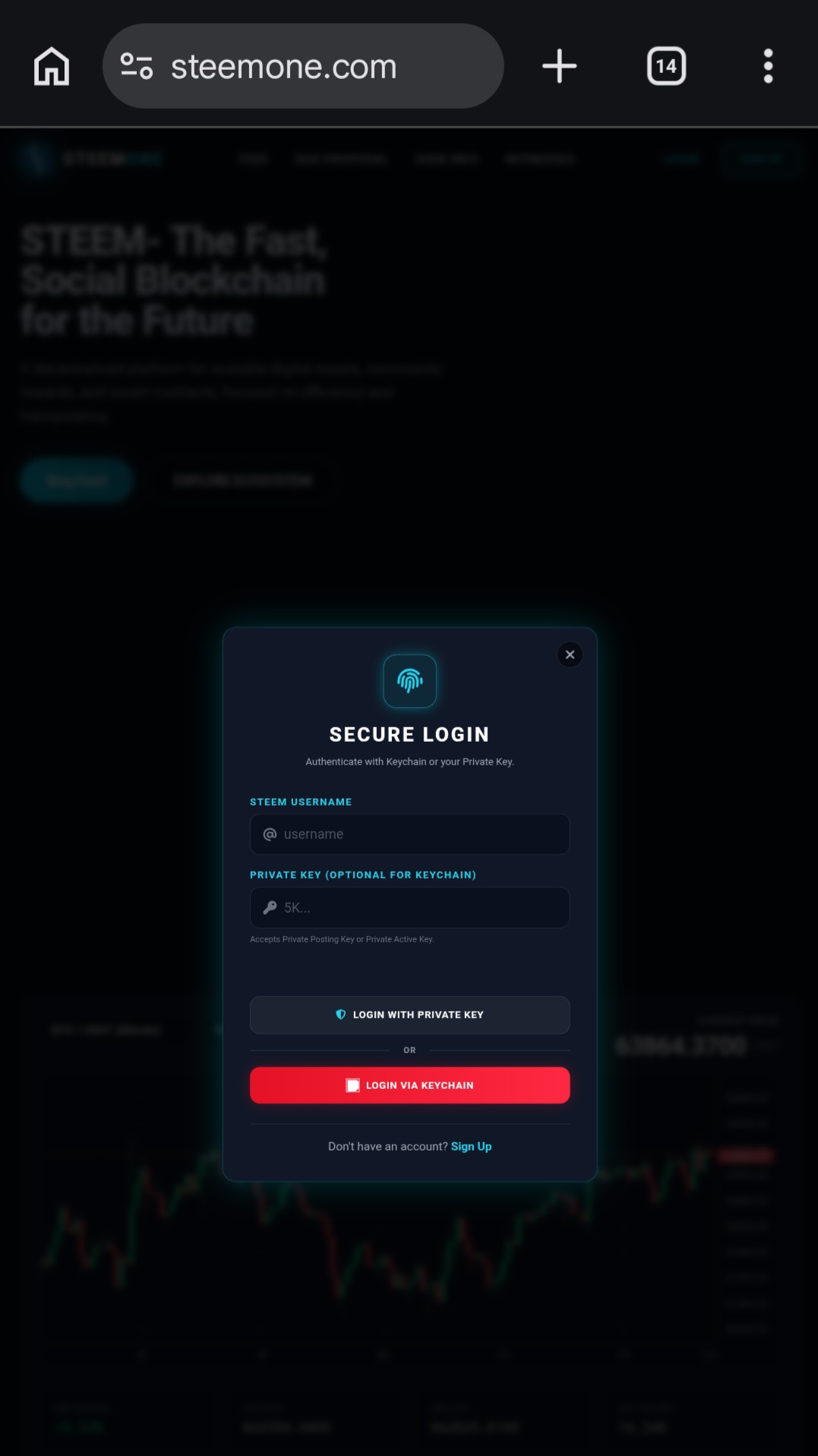
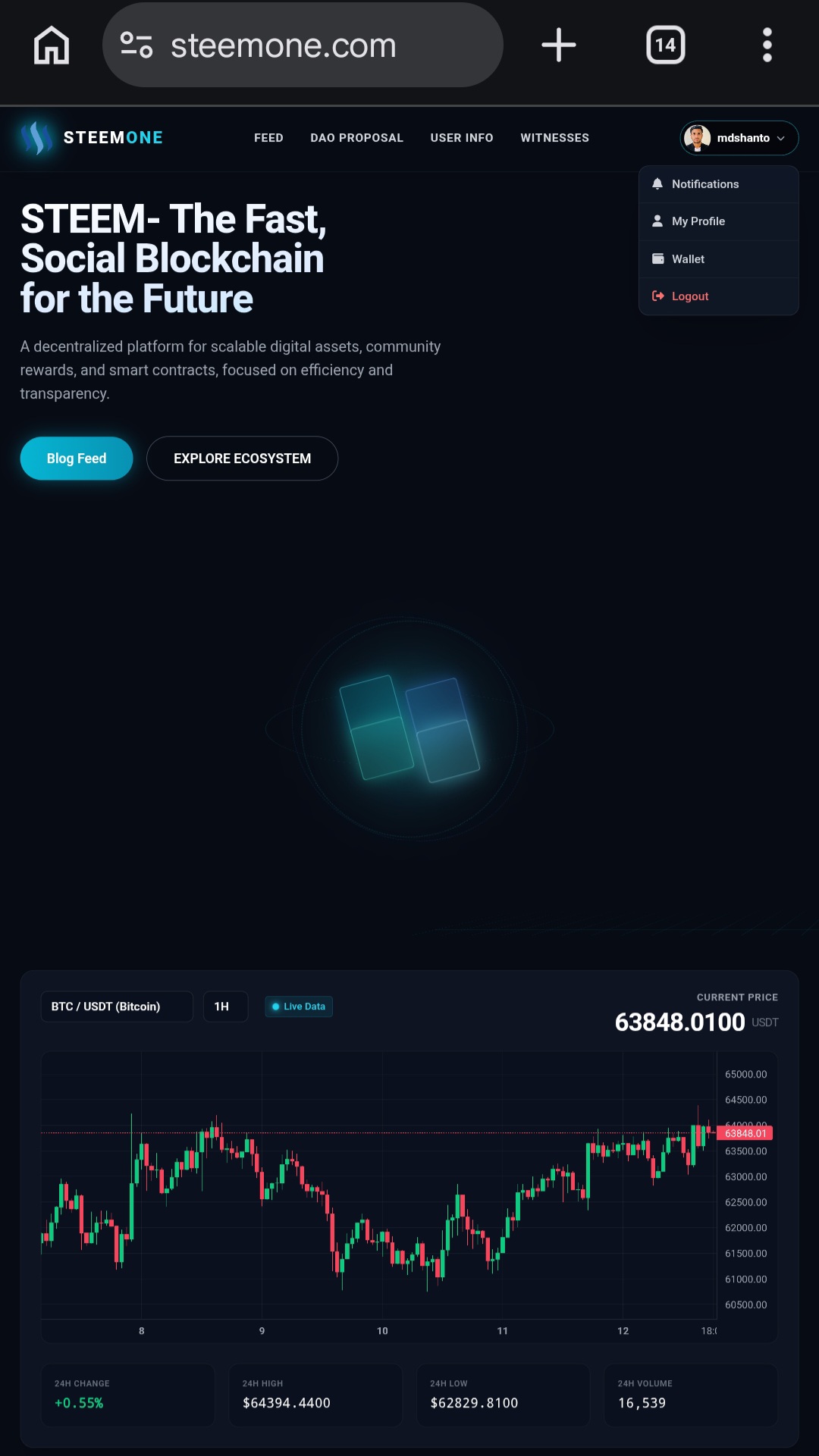
Once you have successfully logged in, you will be taken to the dashboard. Among the various features available, you will find the Feed option. Click on it, and then you will see the Publish Article option. By clicking on Publish Article, you can start creating your blog.
Step 2: Open the Publish Article Feature
Click on the Publish Article option from the dashboard.
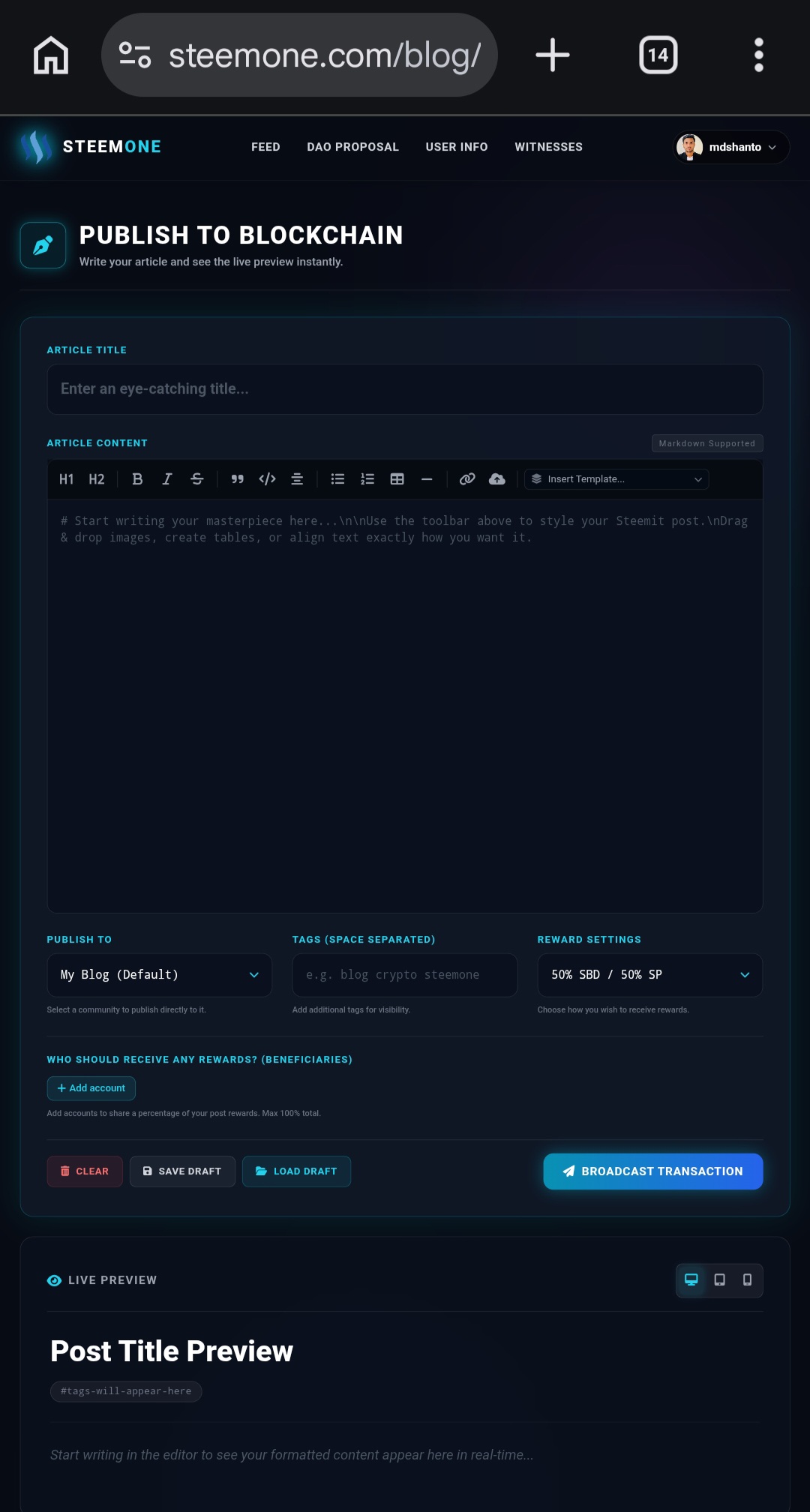
A new interface will open, where you will find all the necessary options required to create your blog.
Step 3: Enter Your Blog Topic
Now, enter the topic or subject of your blog.
For example:
- The Diary Game
- Travel Experience
- Food Review
- Agriculture
- Technology
- Educational Content
- Contest Participation
- And many more
Once you enter your desired topic, the system will generate a blog based on your instructions.

The Blog Writing Feature on SteemOne has made the blogging process easier, faster, and more efficient. From new users to experienced content creators, everyone can benefit from this feature to create high-quality blog posts.
I hope this guide helps you understand how to use the Blog Writing Feature on SteemOne. Don't forget to try it out and share your experience in the comments section.
Thank you for sharing on steem! I'm witness fuli, and I've given you a free upvote. If you'd like to support me, please consider voting at https://steemitwallet.com/~witnesses 🌟
I really appreciate you breaking down each step of the process in such a clear and concise manner - it must have taken a lot of effort to create this guide. Keep sharing your expertise! 📚💻