Video Editing Process Day 1
Hello Steemians
Today I found out a effect you guys can used while editing in your capcut. I watched how that was being used in a video to make it nice and beautiful. I use capcut to do it so let's begin the process.
I opened the capcut app on my phone selected five of beautiful friend and imported it on capcut. I need the video to be thirty seven seconds just for the video but adding the tutorial on how it was, turned into two minutes and something seconds.
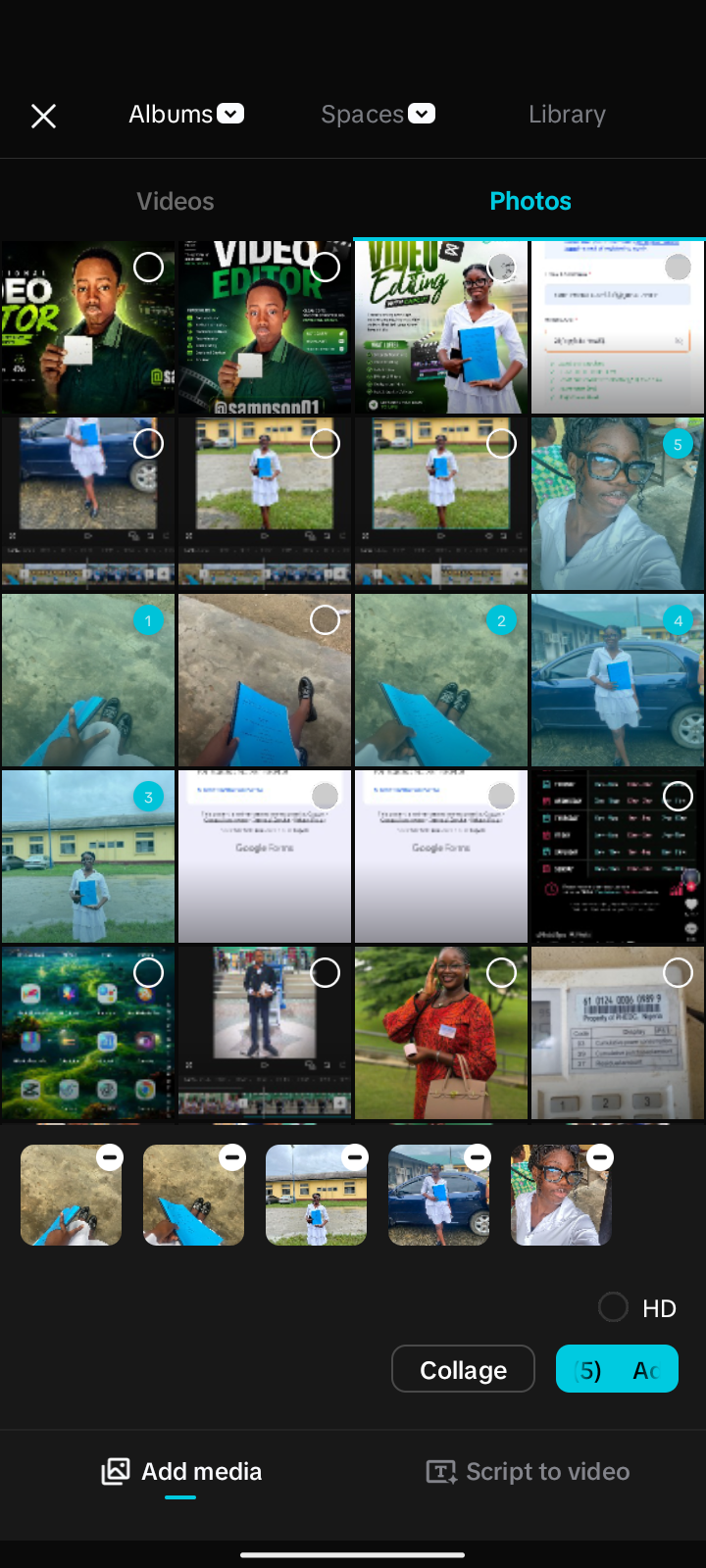
After importing I duplicated the third picture into two so as to make the video long. I screenshoted the third picture add under the third picture meaning that I used the screenshoted picture as an overlay.
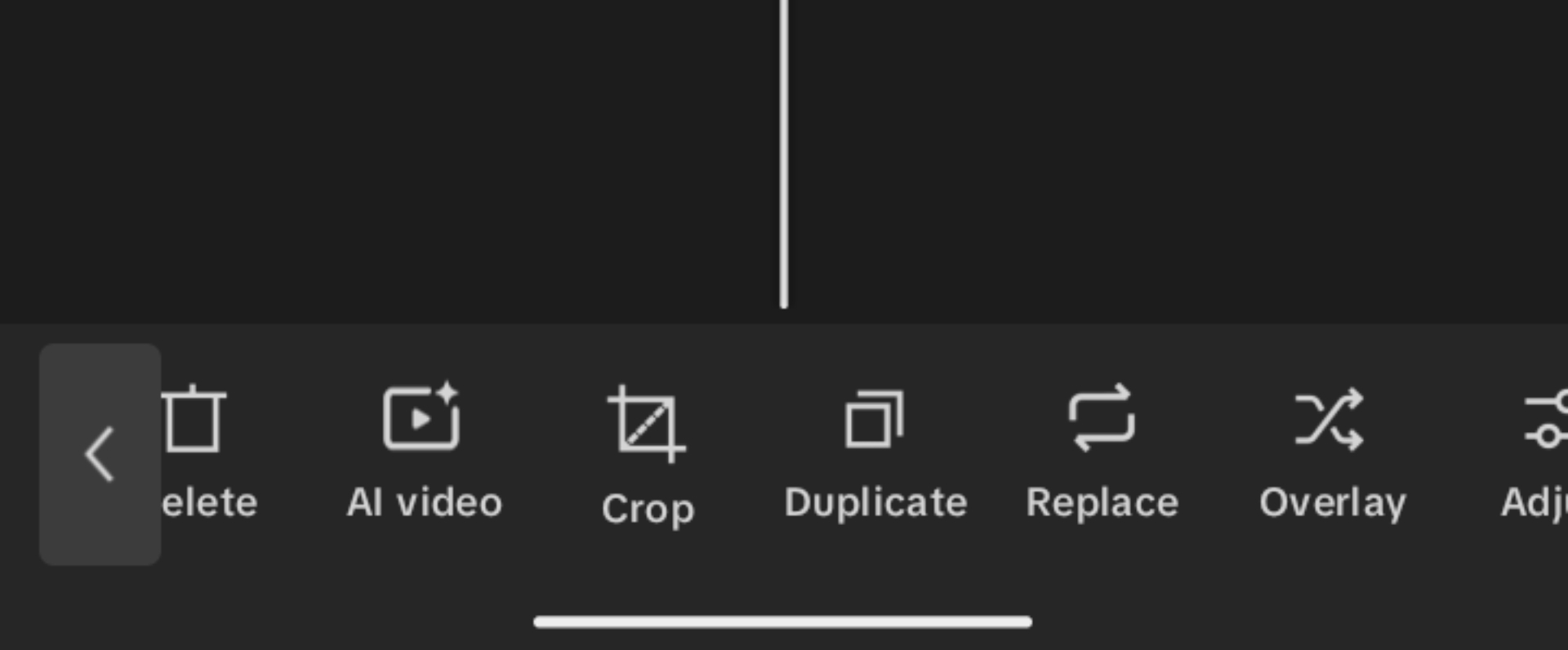
Capcut features
After than was I went and feature right there on capcut called remove background and remove the background of the screenshoted picture and matched the screenshoted picture to the main image that I screenshoted.
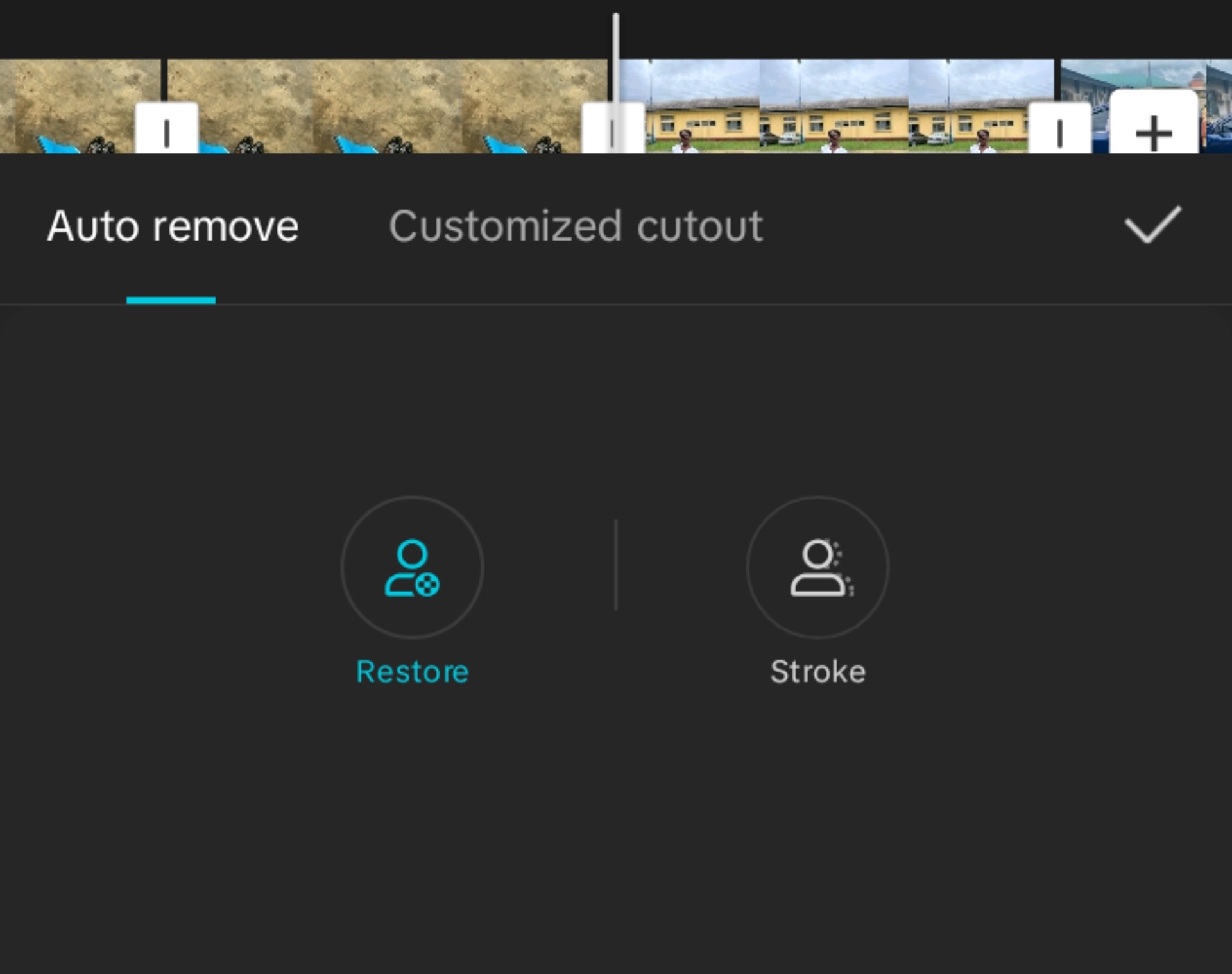
After that I came into the screenshoted picture and shifted it back to the former picture making it to stand in between the the ending of the second image and the beginning of the third picture.
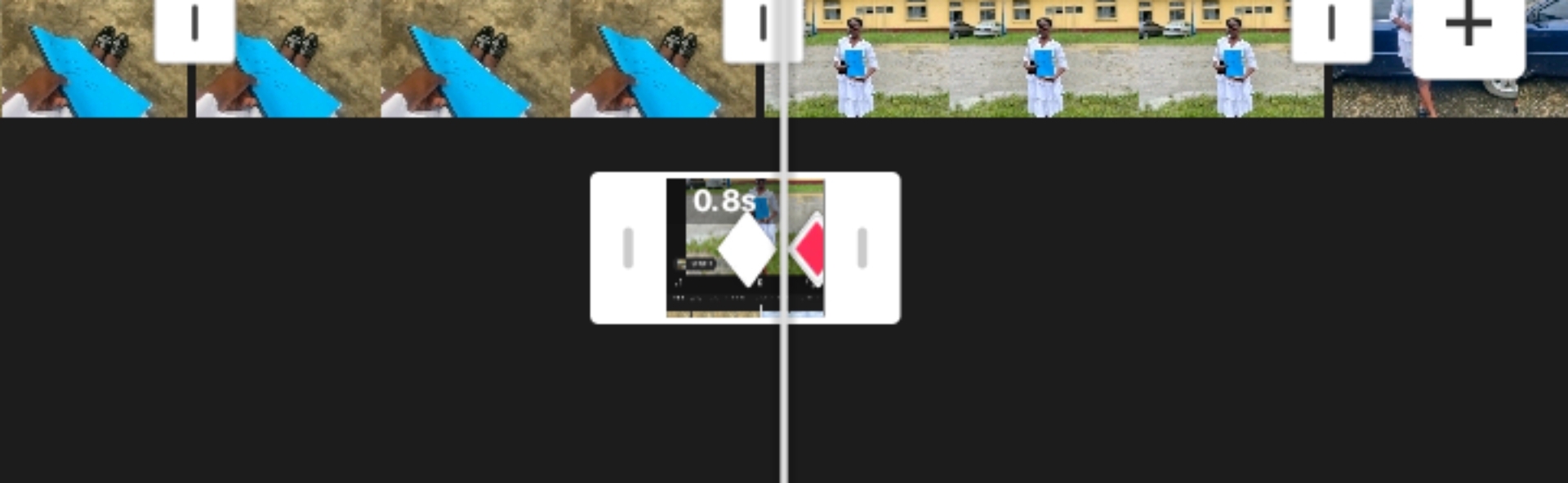
When that was done, I made sure that the screenshoted picture was 0.8 seconds and added a key frame for the effect to align well with screenshoted picture. I repeated the process for others and then exported my video.The result below.
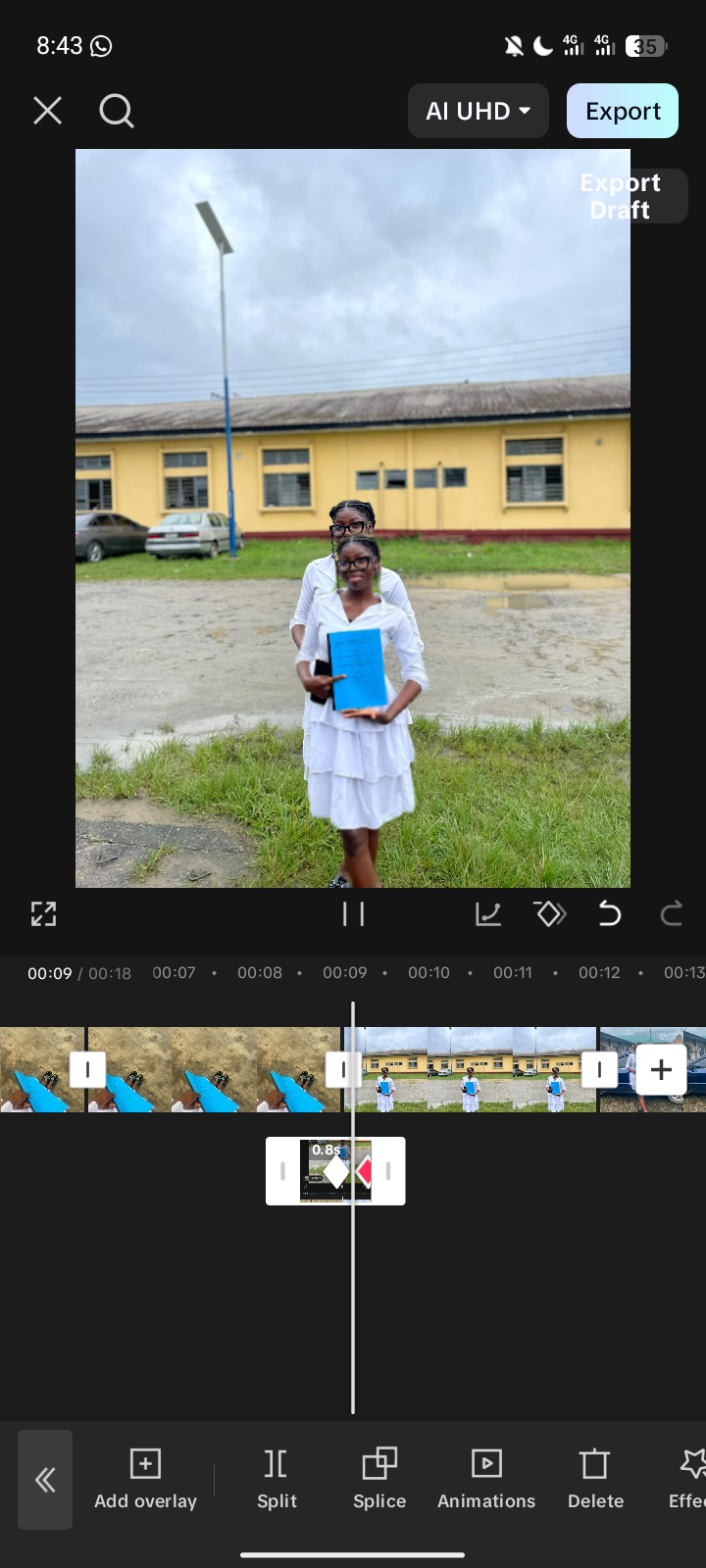
The final process after playing it
Kindly watch and learn. I will be dropping another video.
Posted with Speem
Your post have been rewarded by the Speak on Steem curator team!
Ways to support us: