Speed Up Video Editing with FCP Shortcuts
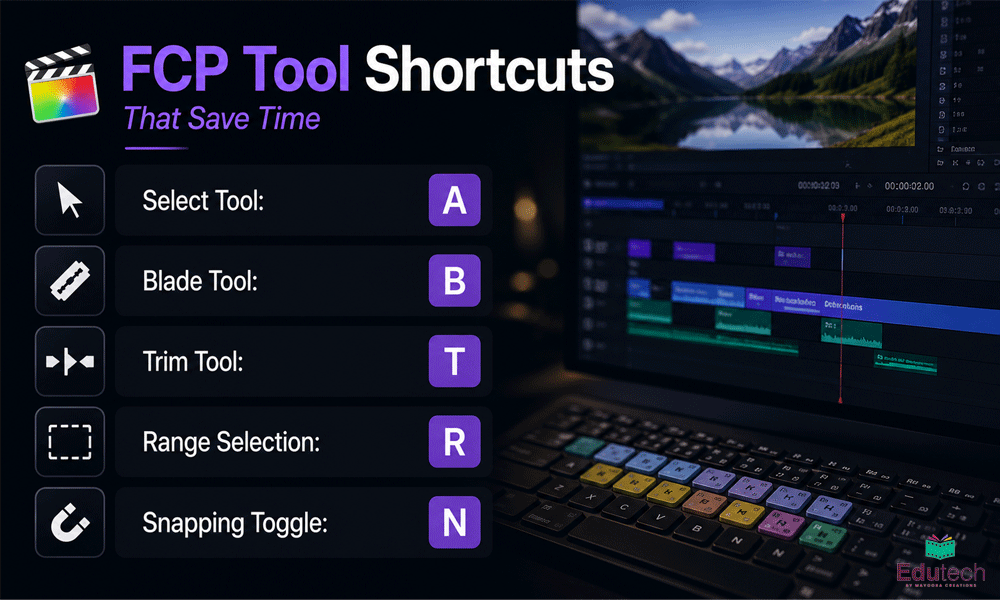
Efficient editing starts with mastering the right keyboard shortcuts. In Final Cut Pro, tools like Select (A), Blade (B), Trim (T), Range Selection (R), and Snapping (N) allow editors to navigate timelines quickly, make accurate edits, and minimize repetitive tasks. These shortcuts improve productivity while helping maintain a smooth editing workflow. Edutech by Mayoora shares these essential shortcuts to help editors develop faster and more efficient editing techniques.