Cherry MX-Board 3.0 – Classy Mechanical Keyboard Review
Everyone interested in keyboard more than just using them as a rectangle that they use to type on a computer probably heard about the brand Cherry. But this German company that supplies a large portion of the market with mechanical switches also makes keyboards. And today we are going to take a look at one of them.
Opening
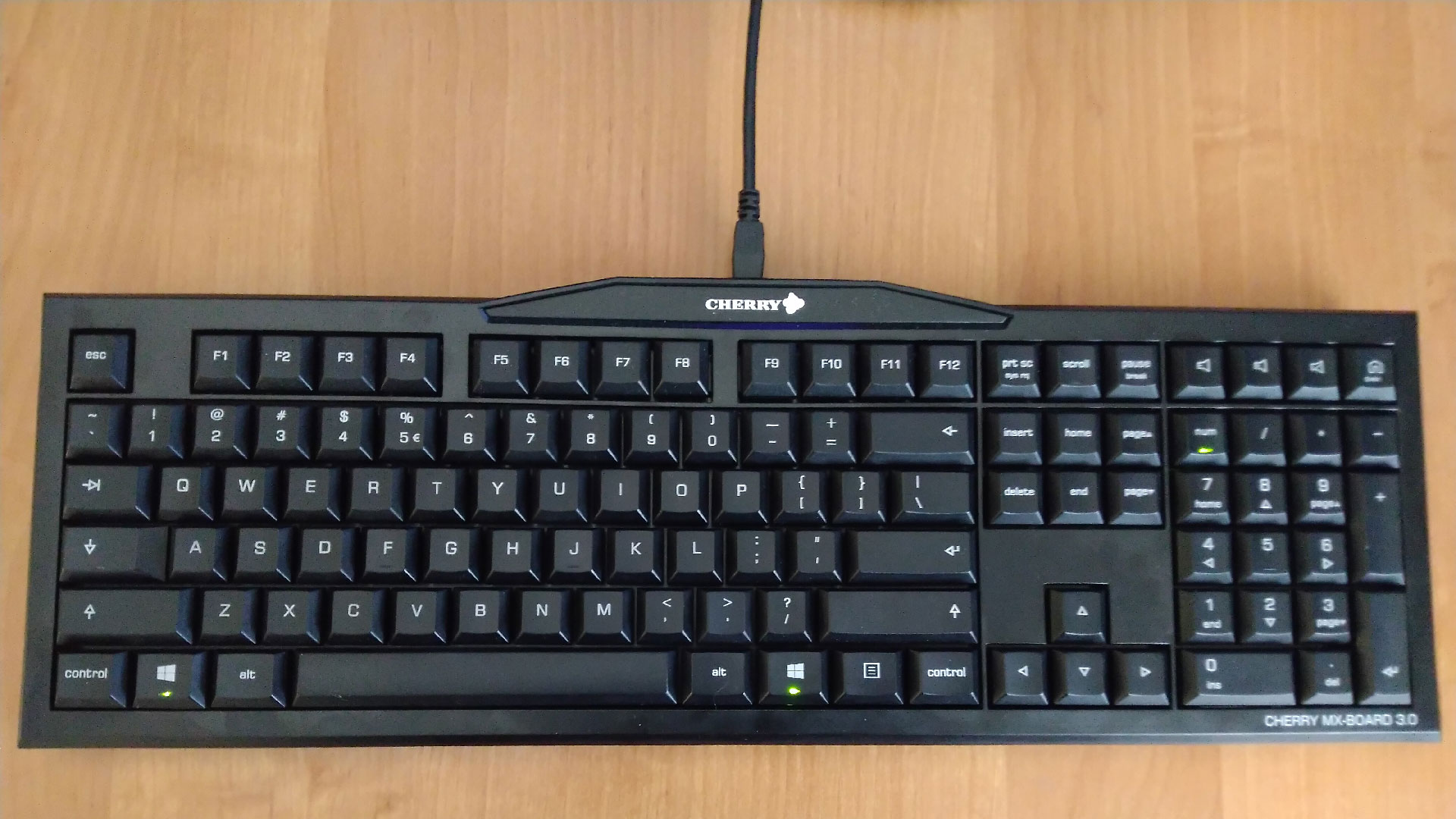
The Cherry MX-Board 3.0 certainly isn't a new contender on the market. It is a keyboard that was released back in 2013 and its also a very simple product, almost as simple as it can get. No special “gaming” extras. Not special looks. It doesn't even have backlit keys. It uses the very common Cherry MX Red switches and its only two extra functions are N-Key rollover (which is limited to fourteen keys at once) and four extra keys in the top-right corner.
The Box
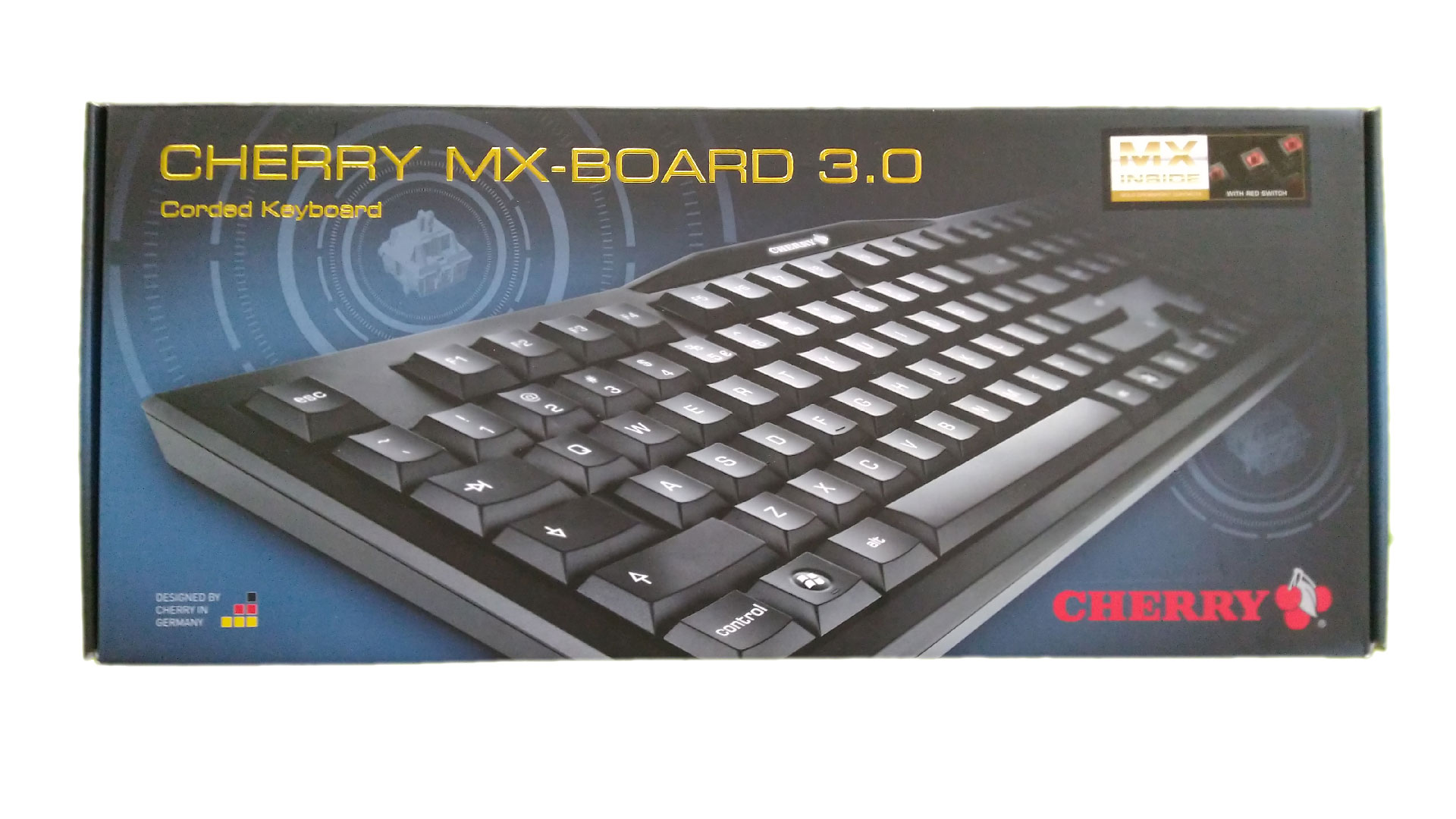
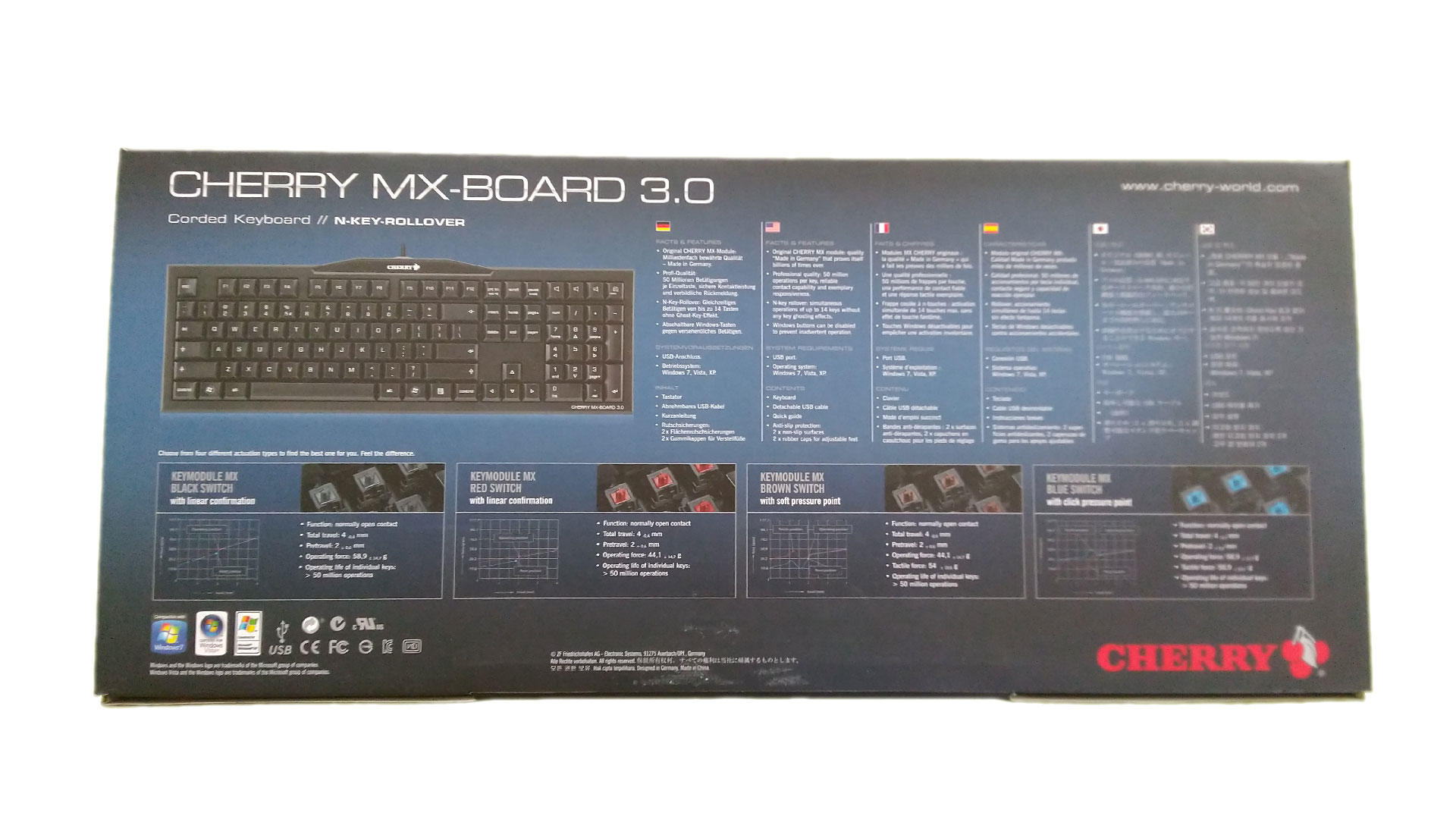
The keyboard comes in a simple but functional box made from hard paper. And even the box itself showcases that the keyboard values practicality over bling. On the top side, we can see a picture of the keyboard itself, the name of the keyboard and the Cherry logo. The bottom side has another smaller but more clear picture of the keyboard a bit of information about the keyboards properties and the description of several different switches that Cherry has in its portfolio. The space that is dedicated to the switches is actually almost the same as the space dedicated to the keyboard itself and it nicely shows where Cherrys true source of income lies.
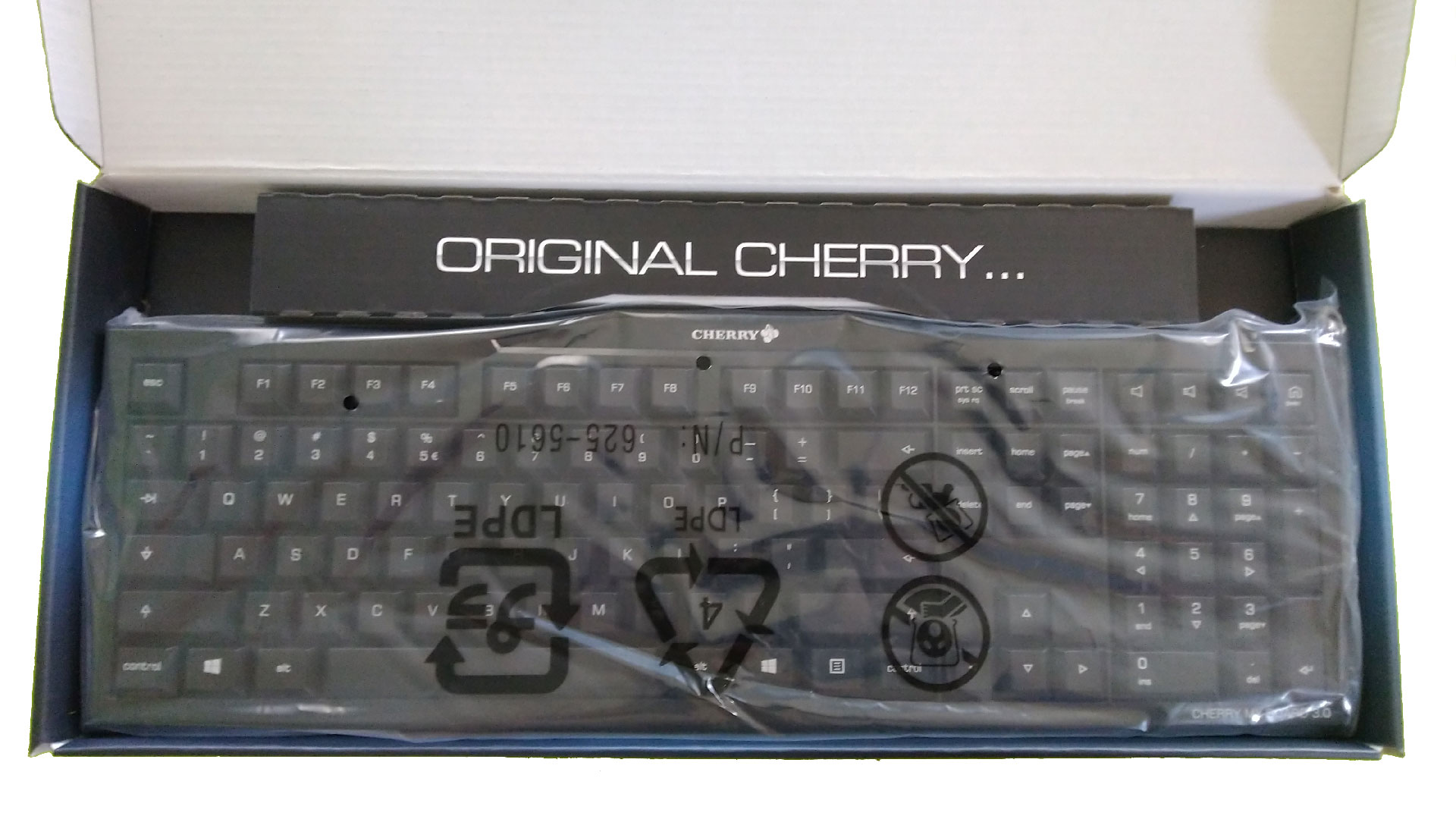
Once we open the box we finally get to see our new keyboard placed in a thin plastic wrap. Apart from the keyboard itself, we can find a Mini USB-B cable to connect it to a computer, a short manual, and rubber stickers so it doesn't slide on your table.
Quality and Design
When we take the keyboard into our hands we will see that it is made from plastic but thanks to its pretty high weight and almost no flex it does feel really solid. The only thing that disappointed me was the cable as it is quite short and not of very high quality. It obviously isn't expected that you will carry the keyboard around often and thus take the cable out. If this is part of your plans I suggest you buy a high-quality and ideally braided cable as soon as possible.
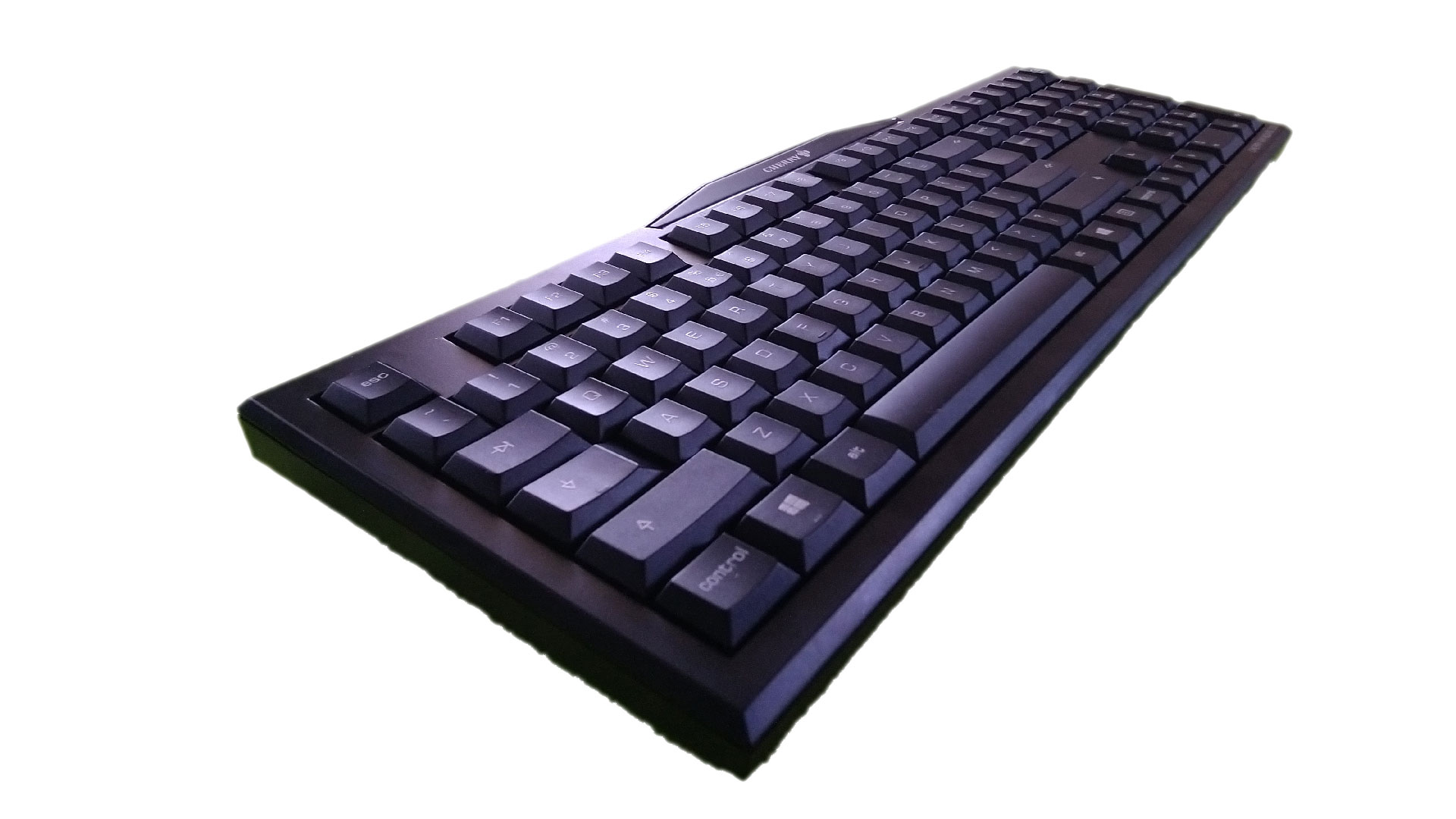
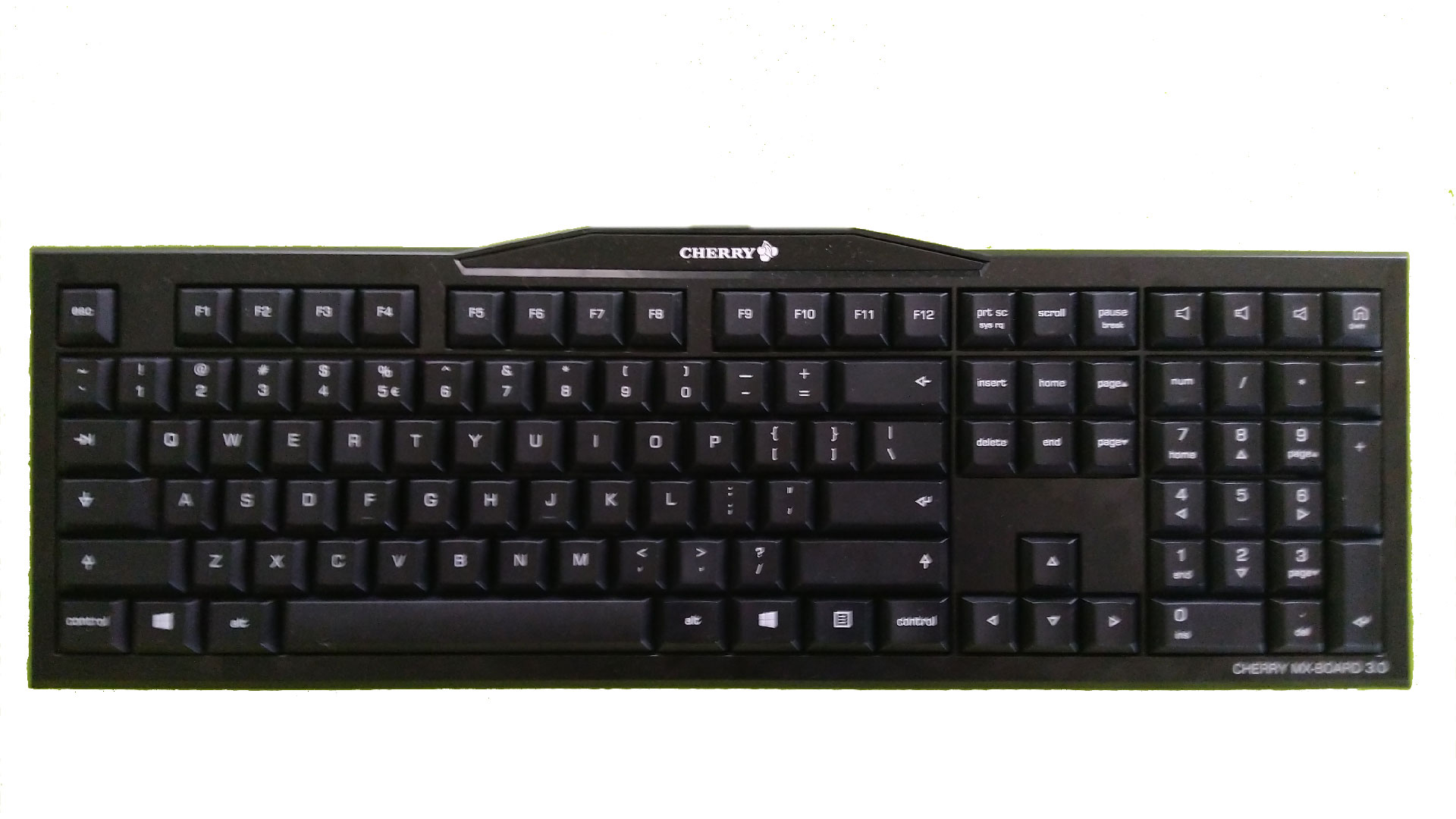
The design is practically over everything else. It is as bog-standard of a keyboard as you can get. In some of you, it might even bring back nostalgic memories of your 286-based computer. In my version, the only difference from a standard layout was a small Enter-key. Well, and the four extra keys that can be found in the top-right corner. Out of the box, they are configured to control volume and start your web browser but you can rebind them with a tool you can download from Cherrys website.
Ergonomy and the Switches
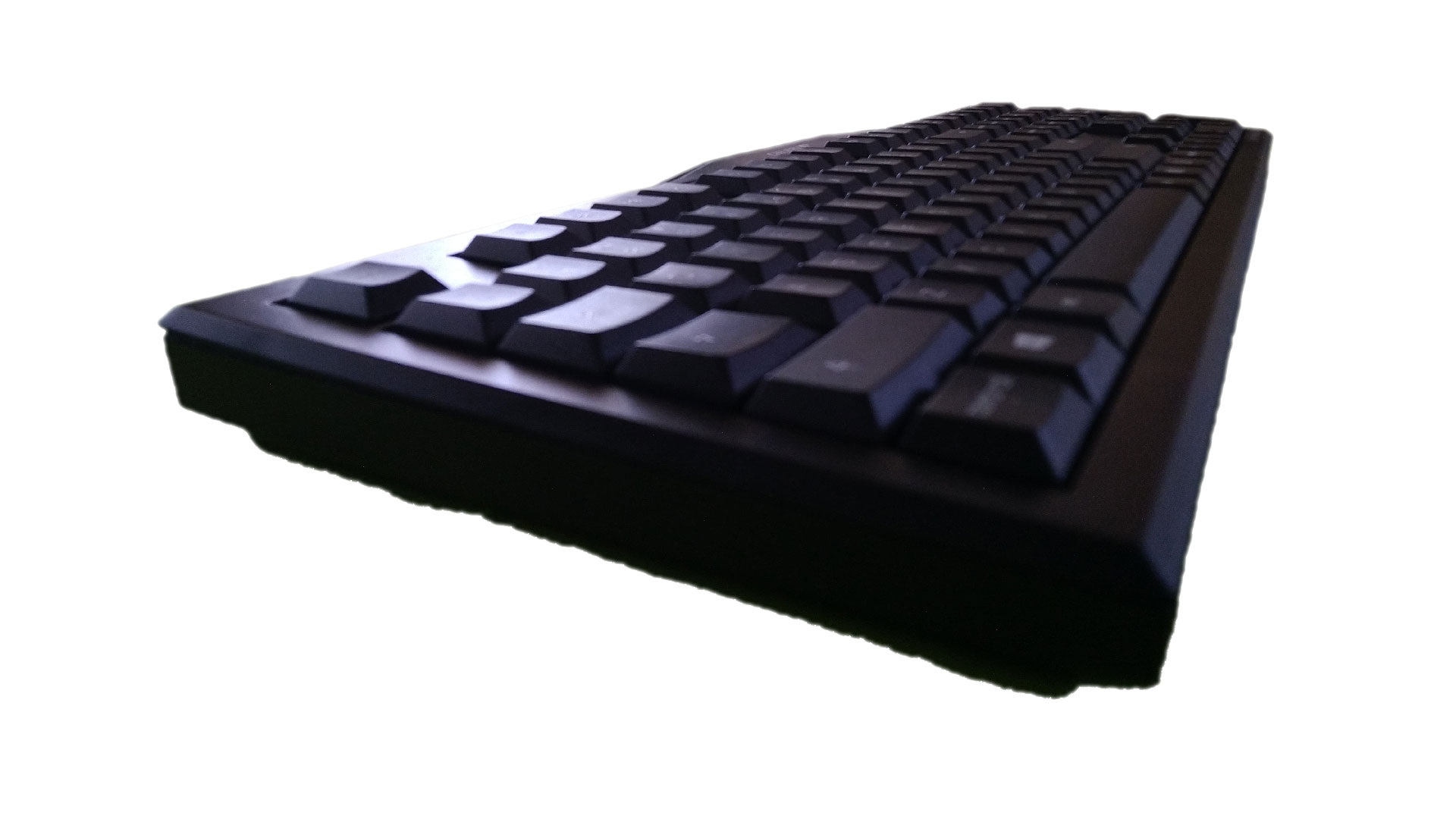
On the other hand, the keys themselves are quite different from what you might expect from this “bog-standard” keyboard. They are low-profile key – about half the height of standard keys. I personally enjoy writing on them and truthfully, in this day and age when a lot of people use their notebook as they primary computer, these could be an interesting option for those switching from a notebook to a desktop computer. But for people who are used to standard keys, it will take a bit of time to get used to the low-profile keys. But they are comfortable, pleasant to touch and their printing is of good quality and I don't expect it to wear off any time soon.
The switches as it was already mentioned are Cherry MX-Red switches. Here I have to give praise to Cherry as they are just great when making switches and they are more than uxorious to write on. For those like me who are switching from a membrane keyboard to a mechanical keyboard, the difference is just huge. They all work flawlessly and their clicky sound is just as satisfying as you'd want it to be. On top of that, I was pleasantly surprised with the space key that gets fully pressed even if you press it on one of the edges.
Conclusion
If you are looking for a keyboard with all the newest functions, the newest switches and that ideally has the word “gaming” in its name, well, then Cherry MX-Board 3.0 will likely not be for you. But if you are looking for a keyboard with high-quality switches, a simple design that will work both at home and in an office and that is fairly priced you might have just found your next keyboard.
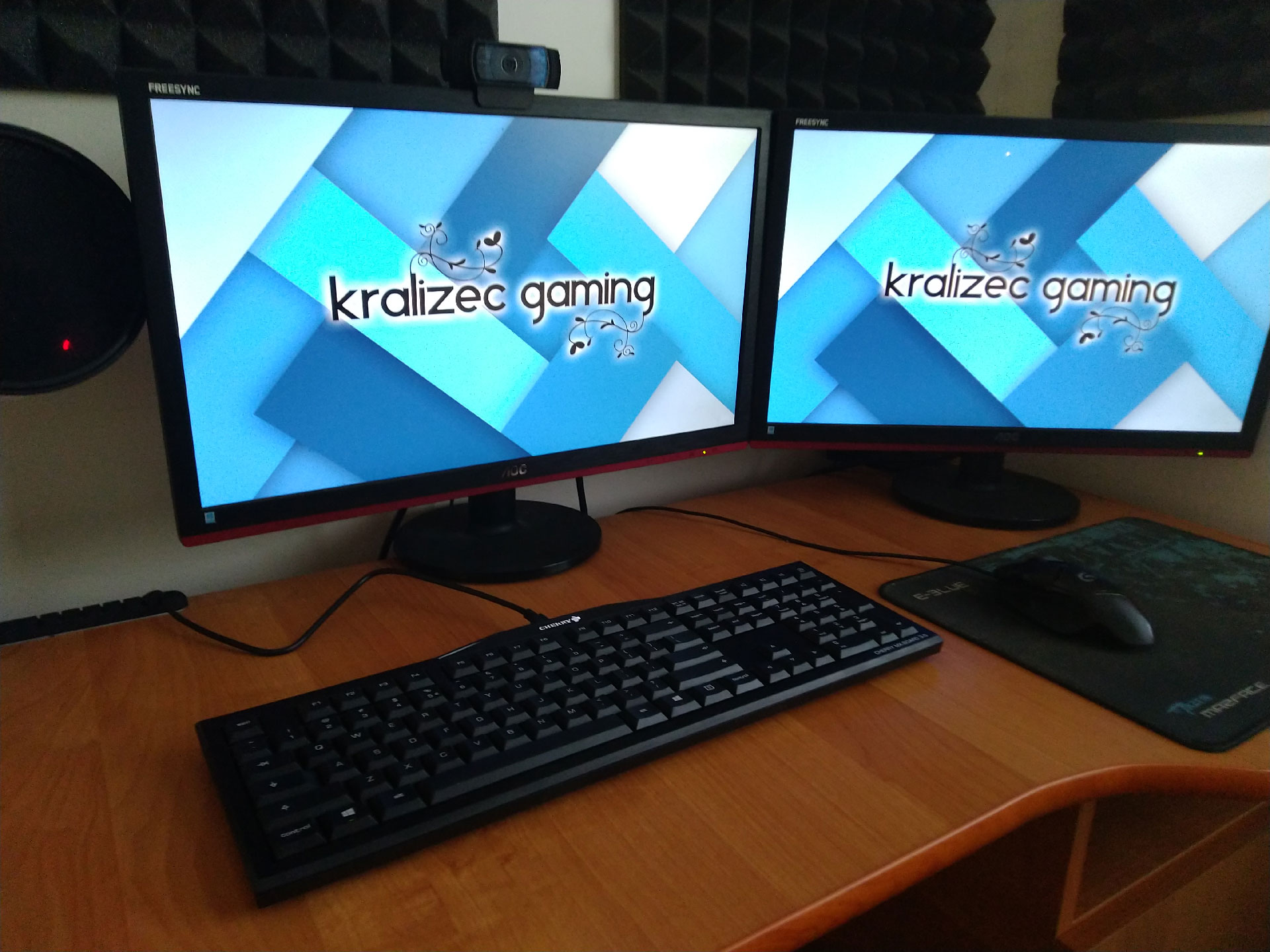
Here in the Czech Republic, it is available at prices starting at roughly 35 USD with tax. At that price, it is a very good offer for anyone who wants a mechanical keyboard but is discouraged by their prices. And I don't think I would actually recommend it to anyone for over 55 – 60 dollars with tax. Yes, it misses a few features with probably the biggest being a lack of a backlight, but if you can find it for 50 or less it is a great offer.
Nice review bro