CharaStudio starting point
I compiled this list of subjects of things I learned while getting into KK and CharaStudio. Aside from the intro and the basics, the rest of the subjects are not in "order you should learn". Just pick what interests you.
There is also a lot of knowledge shared on the Discord in #guides and discussed on #studio-chatter
Also, checking good animations and learning from them. sixpluswan and Yurabe on pixiv make great scenes for free.
- Intro to CharaStudio and posing (you can check their other videos too) -
- Playlist of basics (Youtube)
- Intro to CharaStudio (Youtube)
- Navigating the Studio interface (Discord PDF)
- Some basic animation and timeline guides (Youtube) -
- Using Animation Presets -
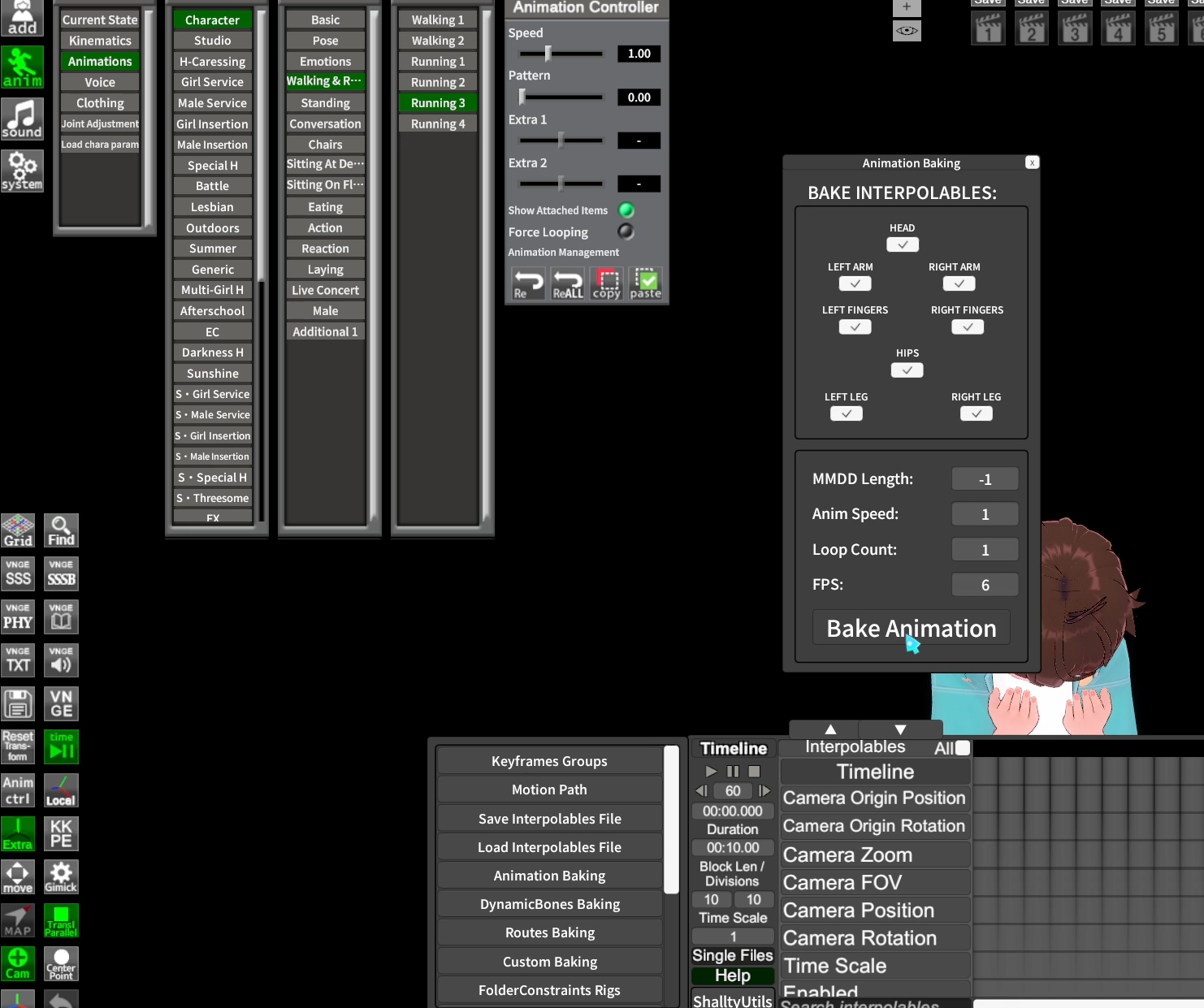
You can use Animation Baking from ShalltyUtils 1.3 (link) to convert an animation preset from anim->Animations into a Timeline animation. You can combine this with Folder Constraints to then make the animation adjustable.
Making an adjustable Timeline animation from a preset (Discord)
See more about Folder Constraints below
- Animation Armature -
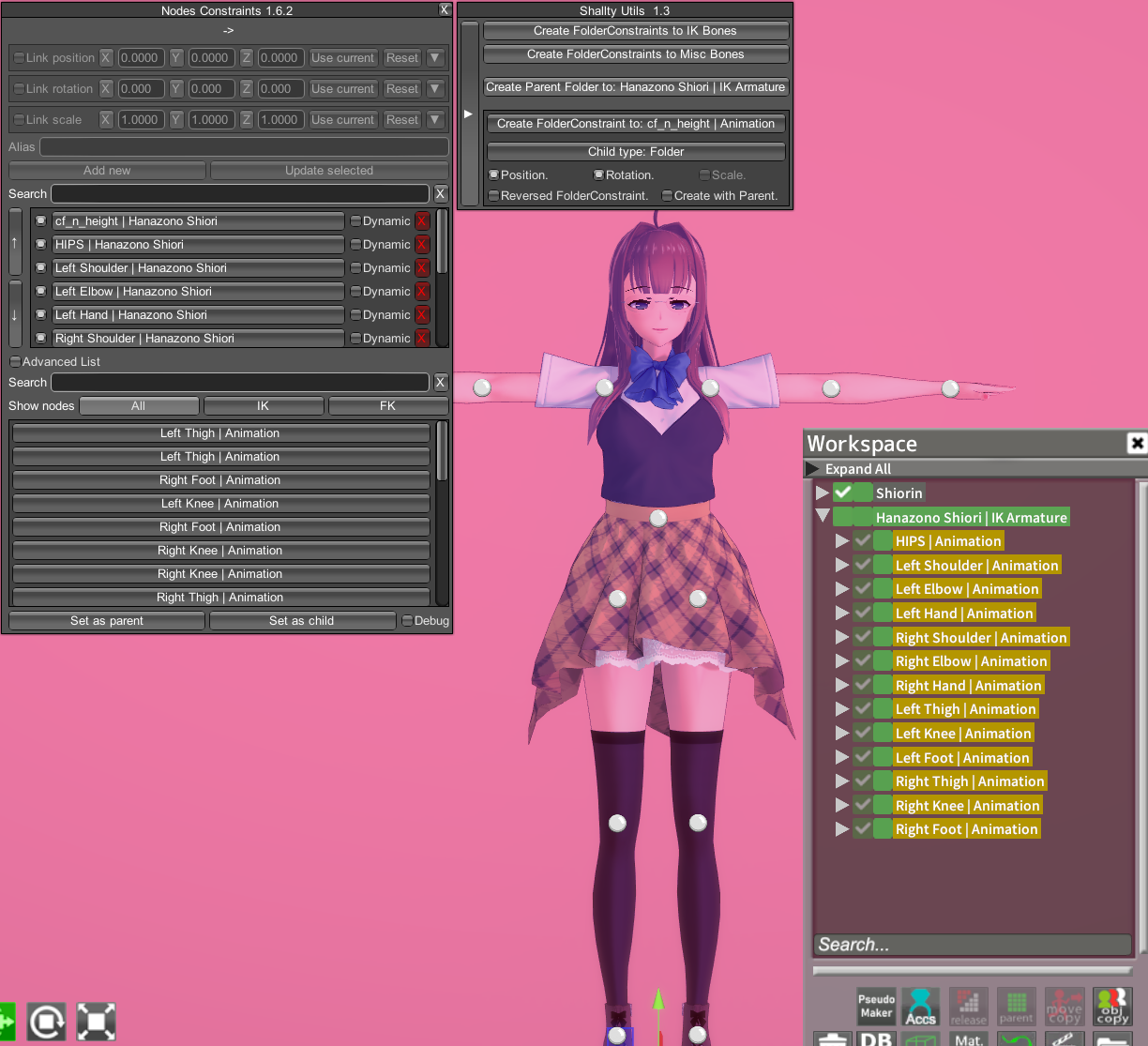
You can use FolderConstraints in the NodesConstraint ctrl+i menu from ShalltyUtils 1.3 (link) to generate constraints to your character's bones or only a selected bone (bottom option)
Note: you only need the top zip, only add the one .dll file for your game to BepInEx/plugins (either the KK or KKS one)
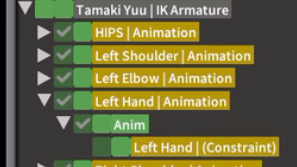
You use the Animation folders to animate and leave the (Constraint) folders untouched (it's for future users to use to adjust for their character). If a limb already has keyframes, it will be transferred to this Animation folder.
You can add any number of intermediary Anim folders (any name works) in between the Animation and (Constraint) folders, you can keyframe them, NodeConstraint them, etc. They will stack together with the animation keyframes of their | Animation folder.
- Lighting and Shaders -
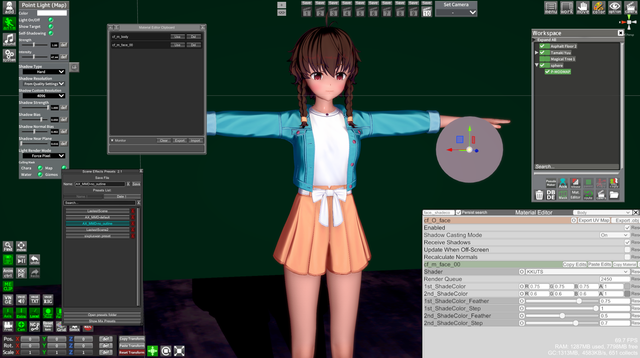
This is a pretty big subject on its own, so I placed it into a separate guide on lighting
- Attaching things together (Syncing Pos/Rot/Scale) -
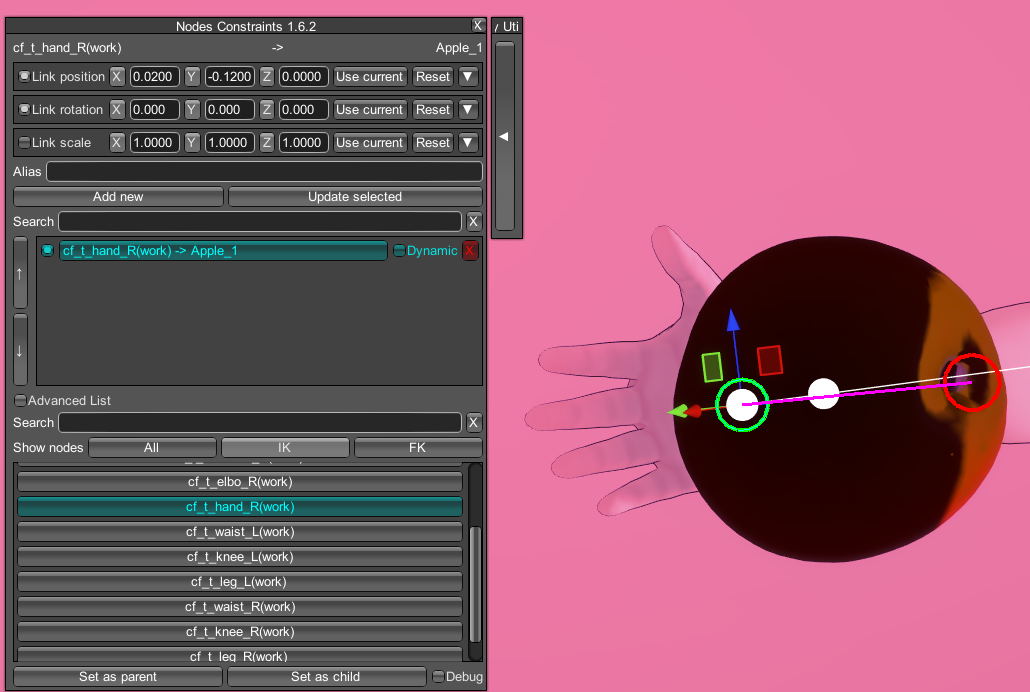
Learn to attach items/body parts together or to surfaces with NodeConstraints (Discord)
- Advanced bone and body controls -
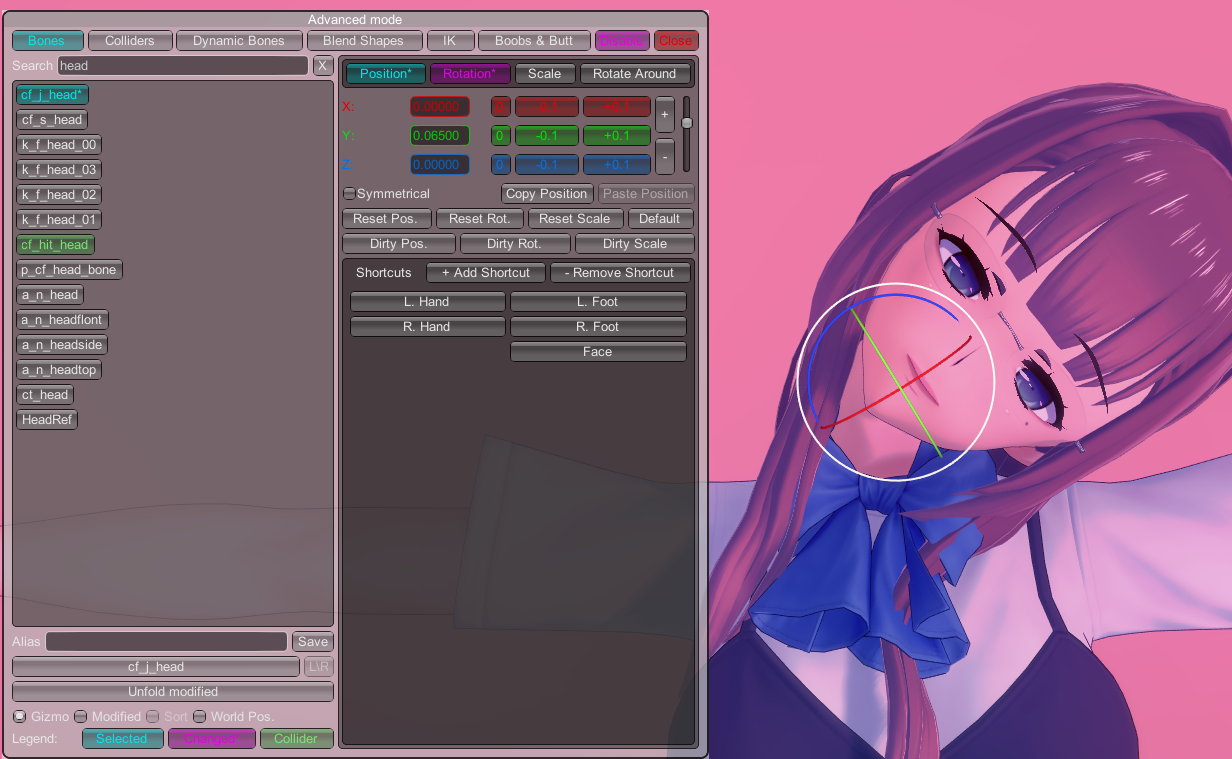
Get comfortable with KKPE (bottom left) and the advanced KKPE menu (right-click KKPE). You can pose FK bones here even when you have IK or FK&IK active.
- Camera -
The camera view is what you currently see, you can place the view where you need it and keyframe it with the Camera interpolables. In the keyframes menu, change the curve to the abrupt Stairs Curve (should be last) to make the transition between camera angles instant.
- Expressions -
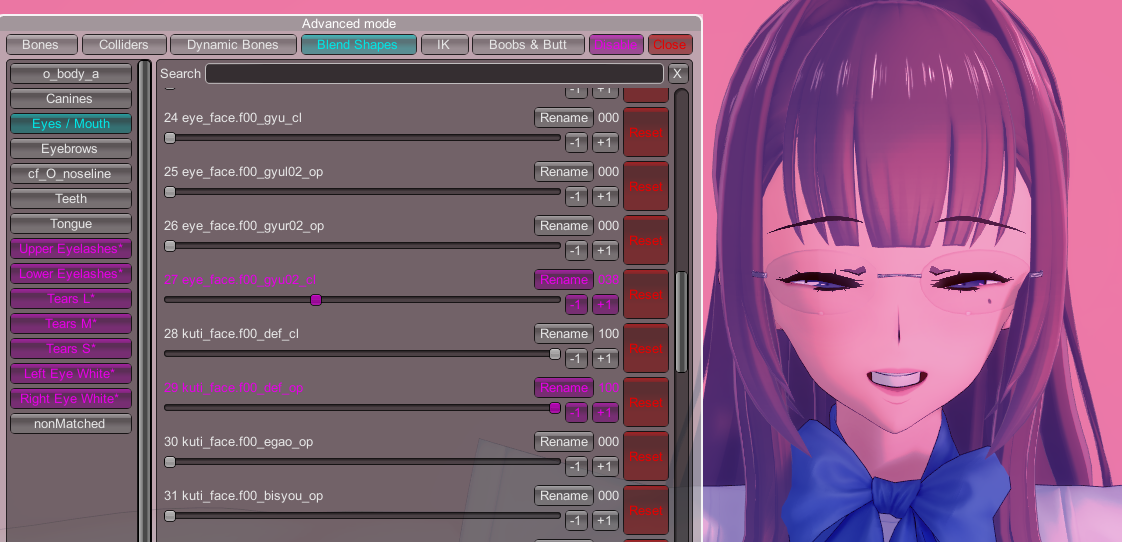
If you don't want to be limited to the basic facial controls in anim->Kinematic, check BlendShapes tab in the advanced KKPE menu for more precise expression control (YouTube). Here's also a video on eye expressions (Discord)
You can also save/load presets, here's a Blenshapes pack shared in #studio-chatter (Discord).
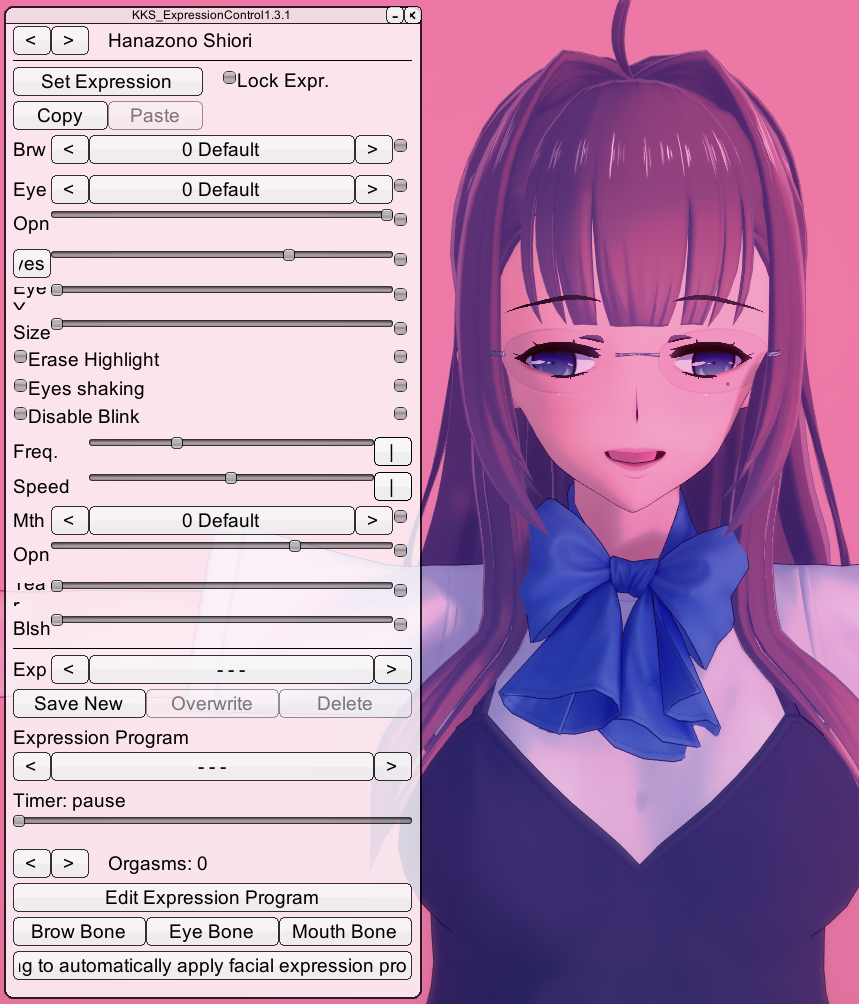
Another tool is ExpressionController (link), which has some default expressions and simple slider. Good for posing, but for animation you will still need to keyframe the individual BlendShapes and expression components
- Insertions -
If you don't want to keyframe insertions look into BetterPenetration (anim->Status->Uncensor , set a BP for both actors), either with default genitals or using a penis item (Discord).
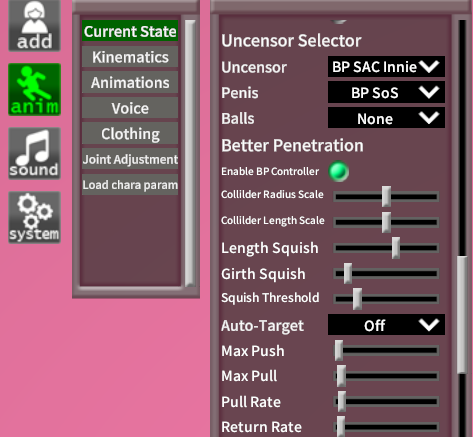
For more versatile options using penis items and toys, check this post on insertions
- Collisions -
A lot of collision aspects need to be animated manually, but:
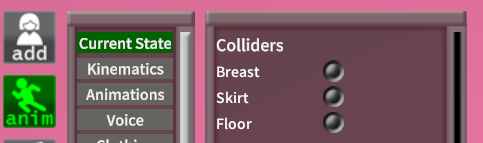
- There are some default colliders you can enable in anim>Status
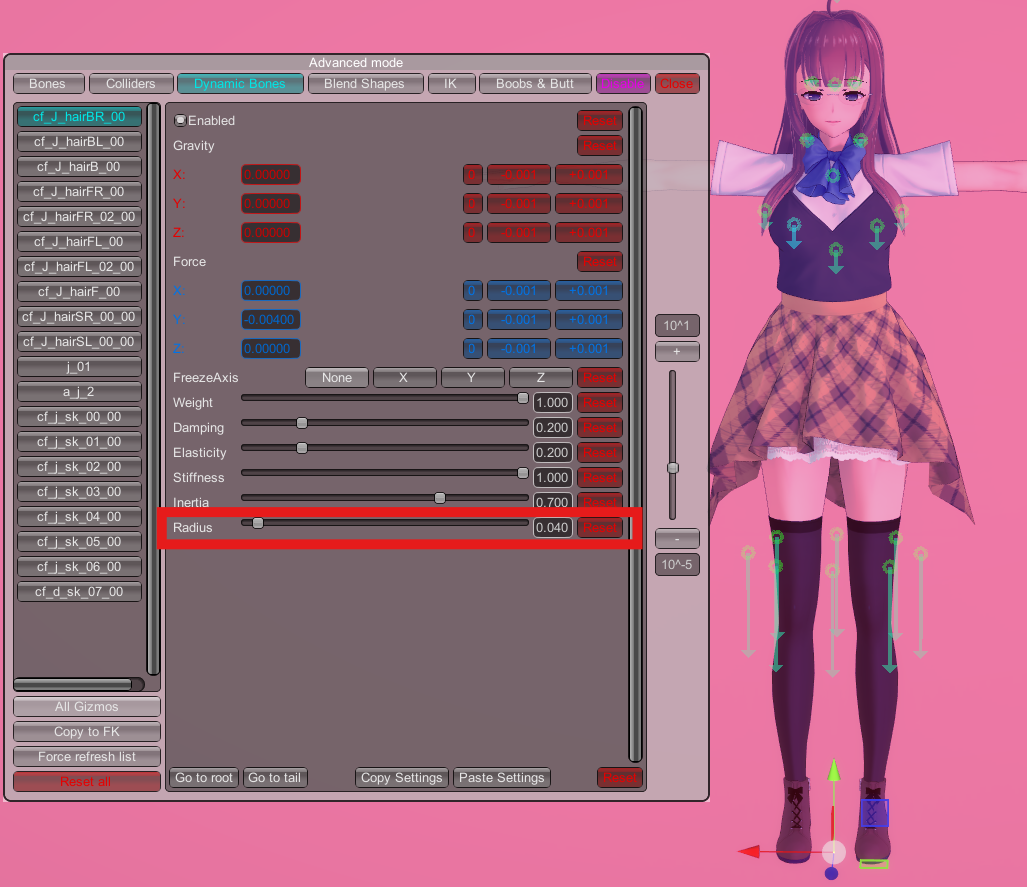
- You can adjust Dynamic Bones with KKPE or use
Dynamic Bone Collideritems to affect certain dynamic bones (Discord) (such as skirt/hair/boob/vagina bones)
- Adding SFX to timeline -
- Using sound from an mp4 or audio file with the VNGE plugin (Discord) (is not synced to Timeline, it either plays uninterrupted or is reset)
- Using KK sound mods and keyframing the sounds (Discord)
- Using the The Bird Of Hermes plugin (Discord) and load an audio file directly to Timeline, in sync