The Power of the fx-991MS, The Hero in Your Pocket
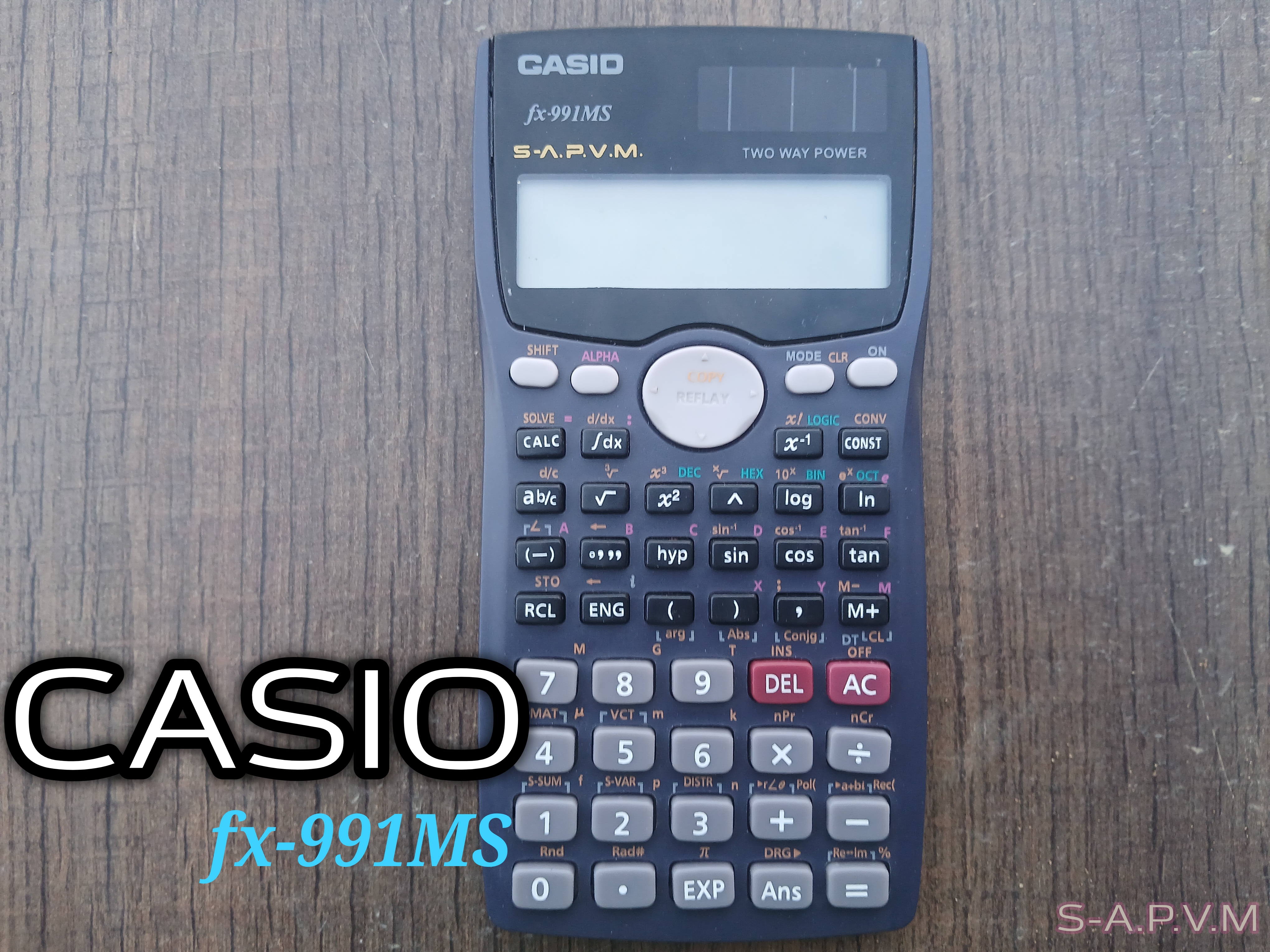 Natural-V.P.A.M.
The Power of CASIO fx-991MS
The CASIO fx-991MS has been a loyal student's companion for many years now. It is even more common among students in the sciences. It has practically seen more exam halls than most lecturers.
It becomes indispensable when walking through the valleys and shadows cast by some topics in Mathematics, Physics, Chemistry, and Engineering Mathematics.
It takes away the need for bulky logarithm tables, bulky formula sheets, and the stress of manual calculations. It is a protection against any weapon fashioned by calculus, titrations, and exponentials.
If you did science in school, you know exactly what I mean. Like a magic wand, some students were only able to harness and wield one tenth of its power, solving problems in statistics, number bases, equations, etc.
Features of the CASIO fx-991MS |
|---|
This model runs on both battery and solar. It has more than 400 functions, from basic arithmetic to advanced stuff. With only 47 keys, some keys have double or triple functions, color-coded and activated using [SHIFT] or [ALPHA]. There are even more functions under the [MODE] button.
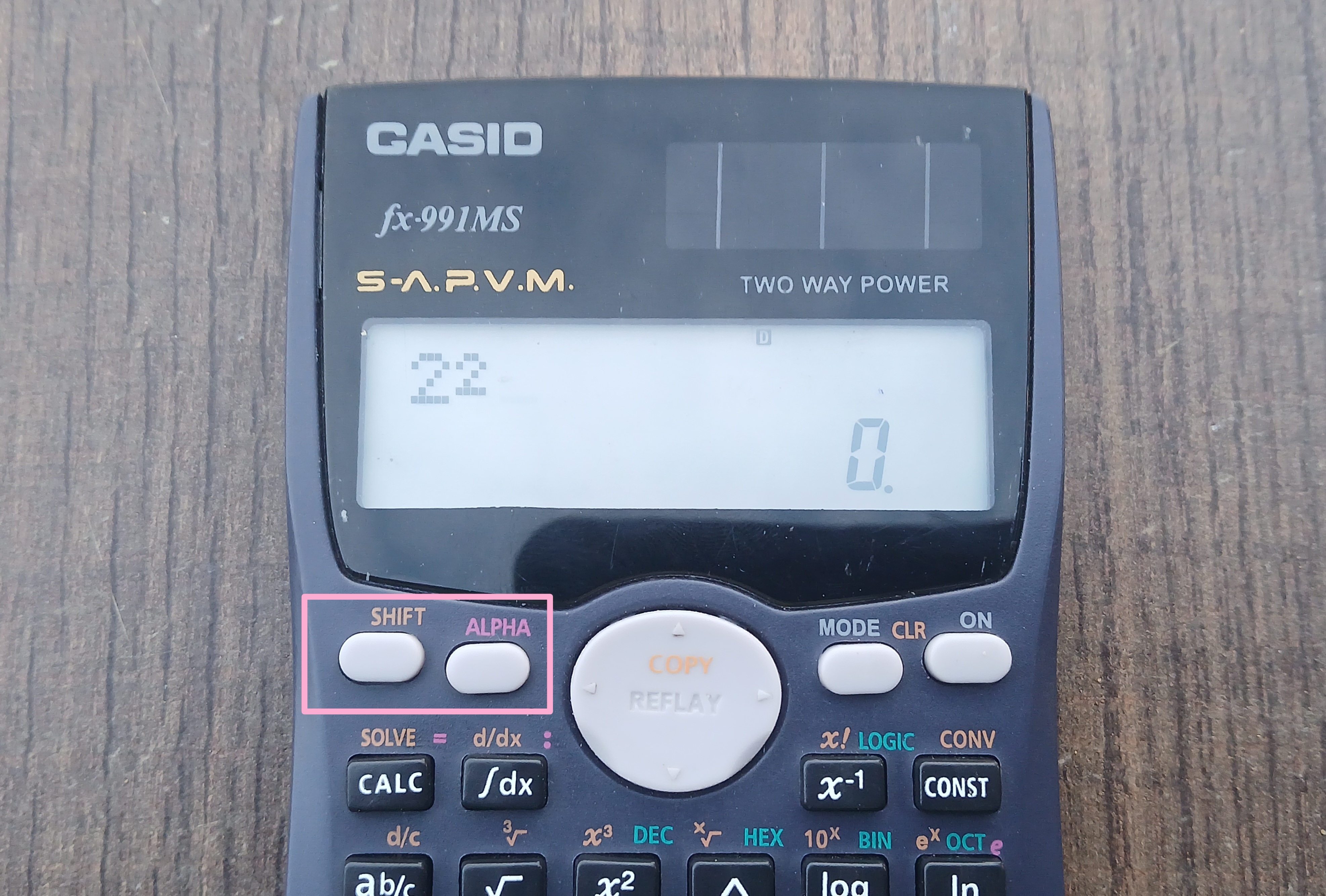
It displays your computations in two layers. While the top layer holds your input, the bottom layer displays your result..
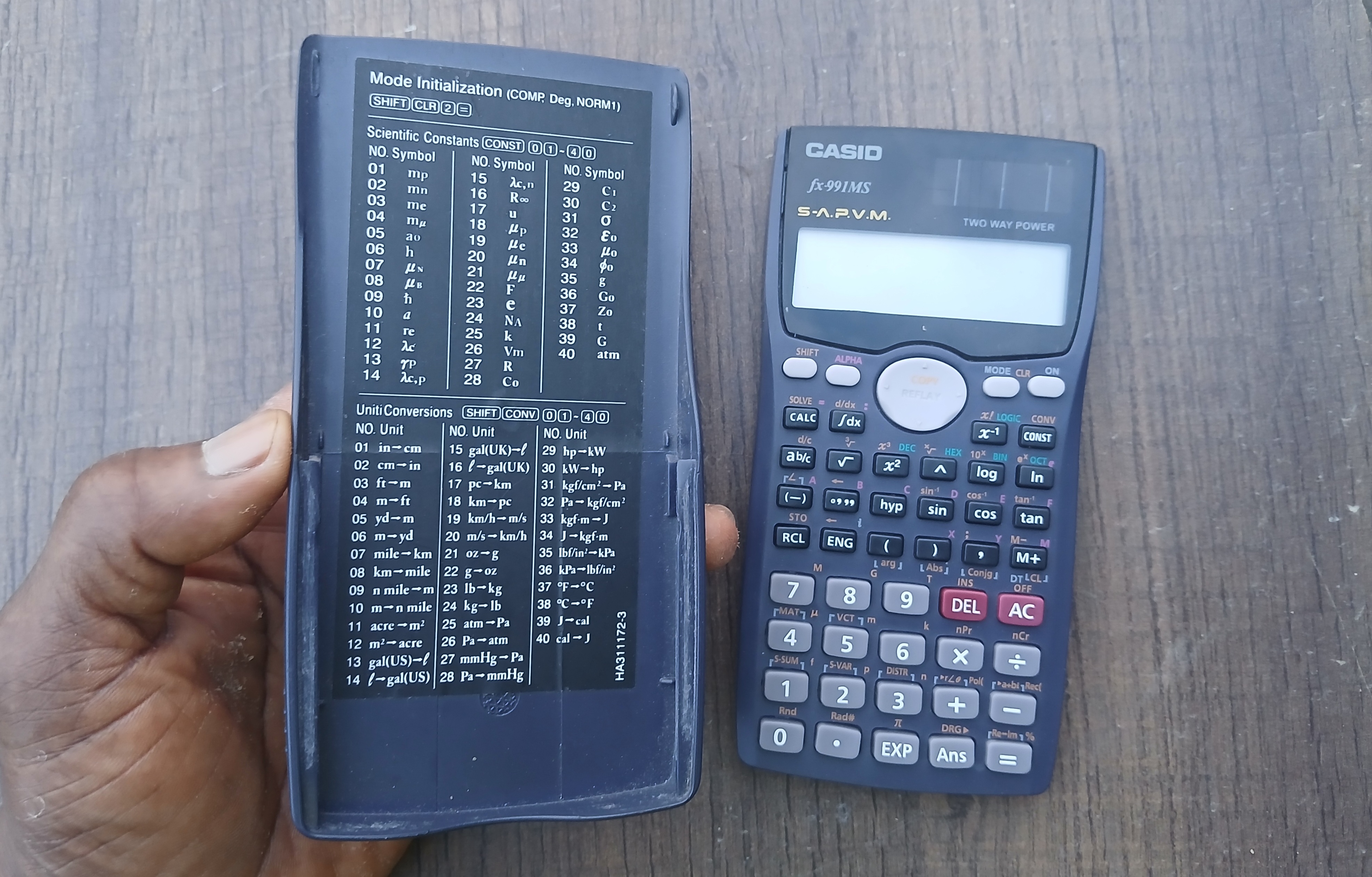
It has 40 science constants accessable when you combine the [CONST] button with 01 to 40. You can also access an elaborate conversion table using [SHIFT] [CONST] 01 to 40.
With it you can raise a number to powers, find roots, logs, ln, exp, trigonometry, etc.
Under mode you have: COMP for normal mathematics. STAT for statistics, standard deviation, mean and its seblings. TABLE for graphs and EQN for equations, simultaneous, quadratic. BASE N and MATRIX.
With the big navigation button near the display, you can scroll back to previous computations, edit or substitute values and recompute without typing everything again.
Notation Mismatch |
|---|
With the CASIO fx-991MS, there is one problem: you don’t enter a problem exactly the way it’s written on the board. You have to undrestand and follow the calculator’s format, else you end up with a syntax ERROR.
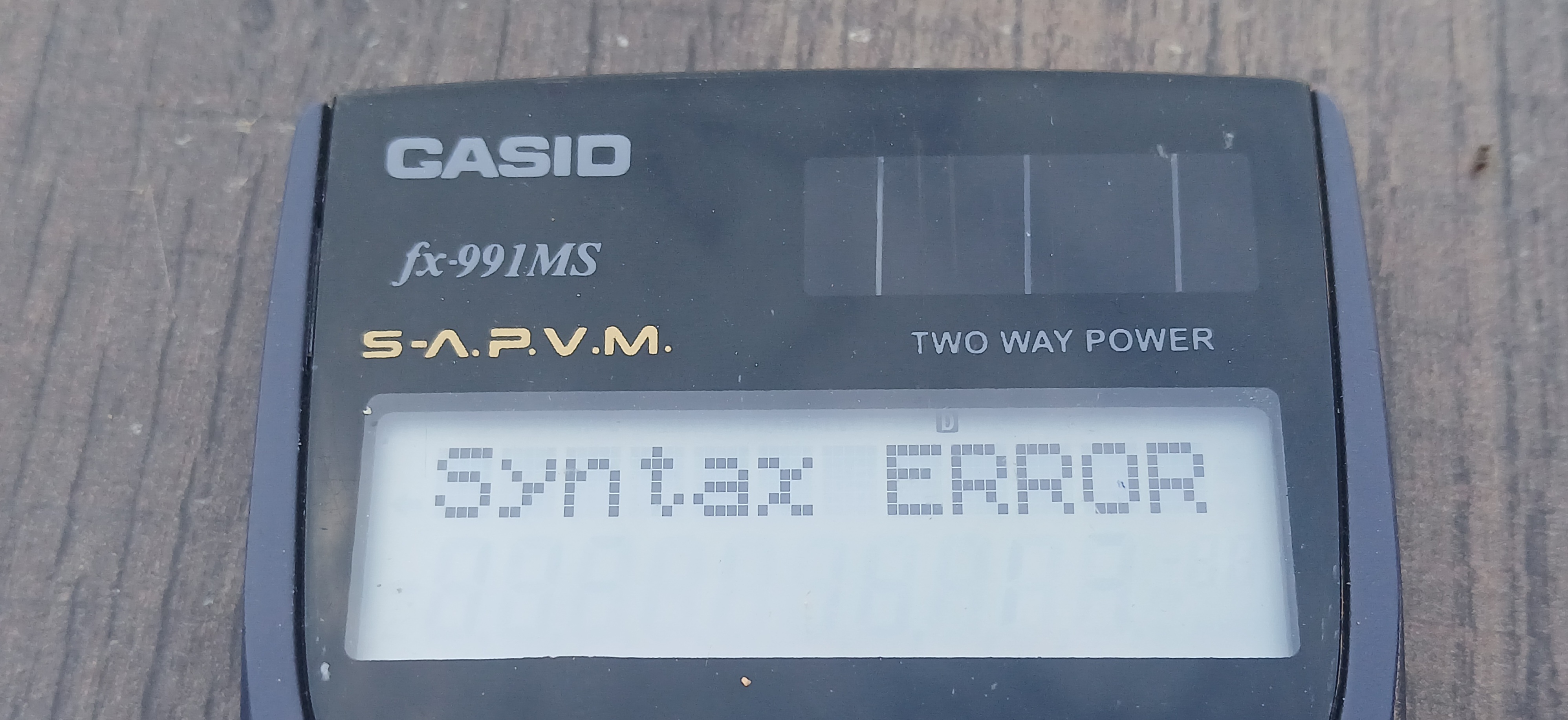
Here is an example.
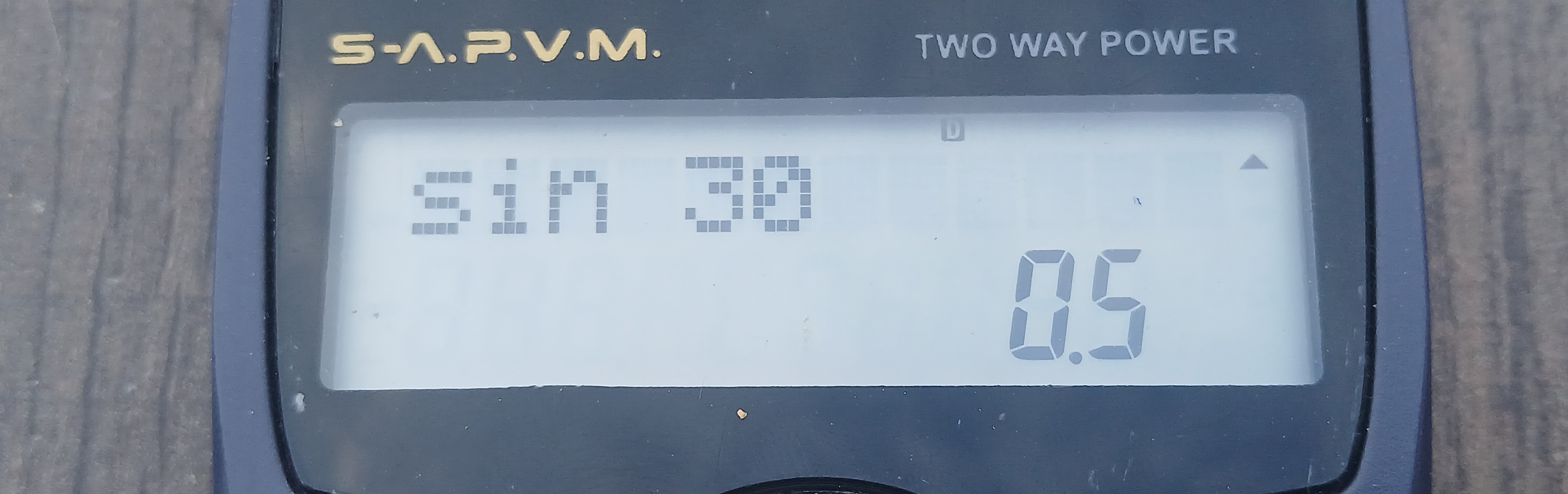
The sin function is always written as Sin 30 where Sin is the function and 30 is the angle. In this Calculator, the natural syntax is mauntained [Sin] 30
But look at how to correctly enter 2⁶ following the calculator's syntax
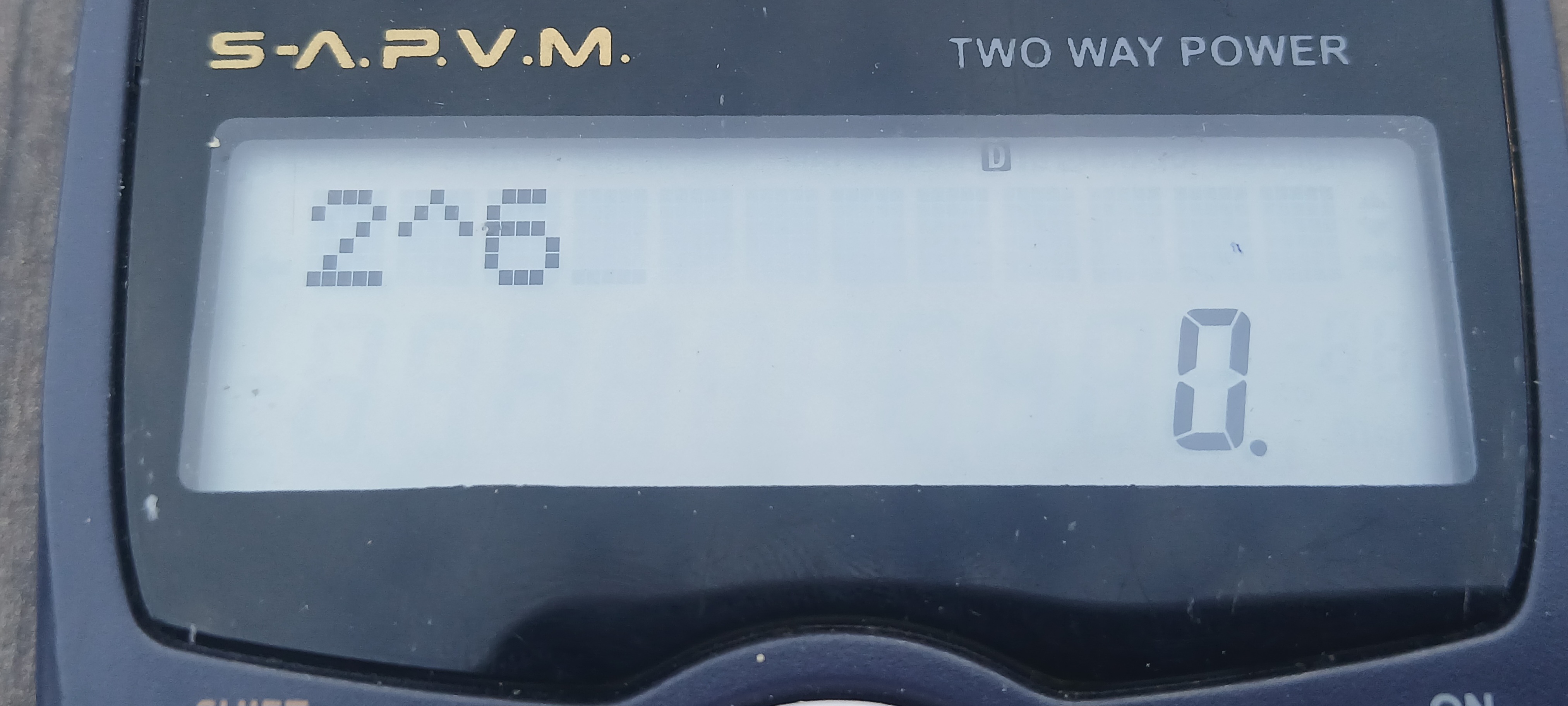
Some of us are used to the caret ^ sign, so this one is not too strange. But look at this one.
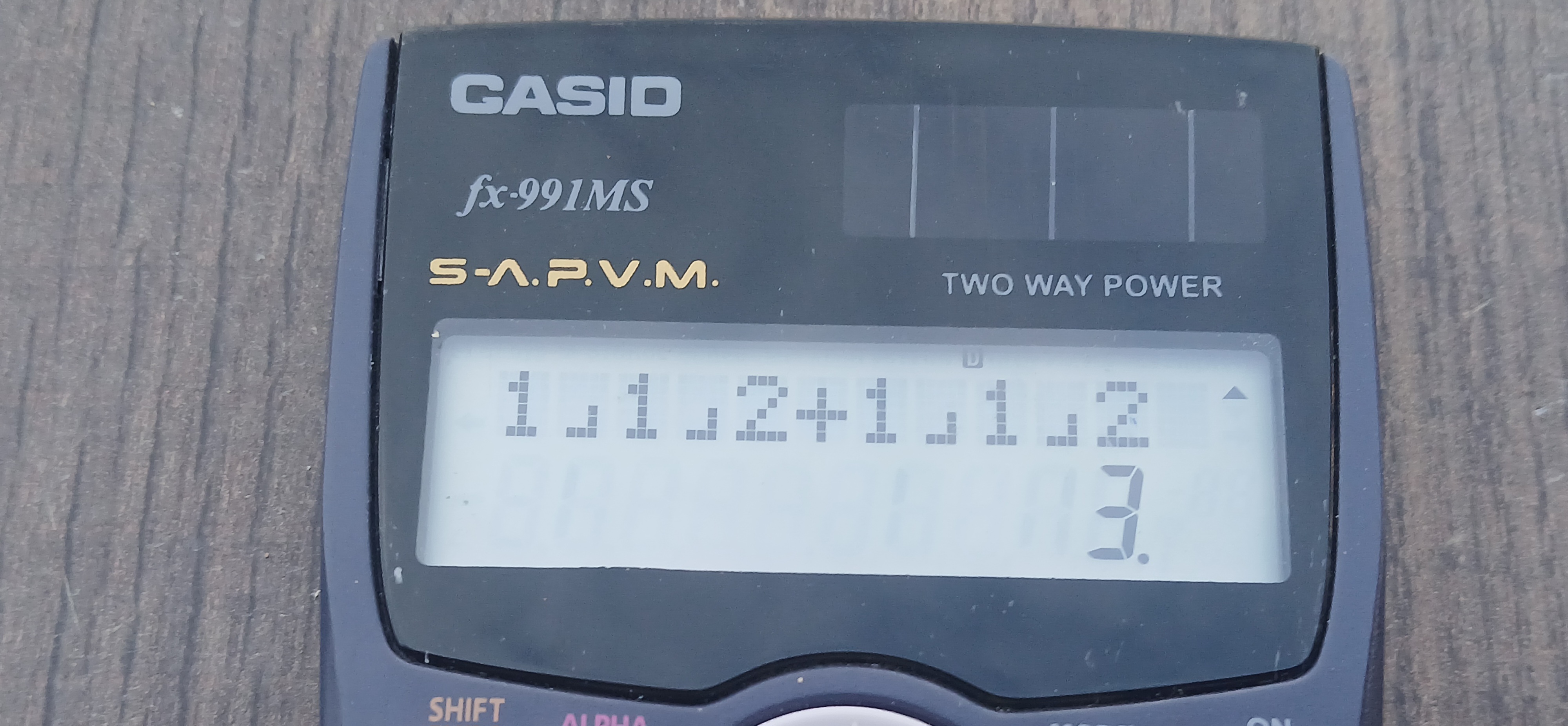
It is 1¹/2 + 1¹/2 = 3
You have to use the a b/c button, not just /
Pro tips |
|---|
This calculator toggles between DEG, RAD, and GRAD. The current state always displays at the top.
Make sure it’s on D else all your sin, cos, tan answers you get will be wrong.
- DEG: Degrees. Used in school Math and Physics
- RAD: Radians. Used in Calculus, Engineering Math, Complex Numbers
- GRAD: Gradians. Used in Surveying
Let’s admit this post cannot cover even one-tenth of the computational power of the fx-991MS.
What’s the one topic your fx-991MS saved you from? Comment below
Conclusion |
|---|
The CASIO fx-991MS is not the most powerful calculator around, but its functions have not been used extensively. Most students have only scratched the surface of its power.
To make effective use of this calculator, you definitely need to be trained. It’s a powerful computer in every sense of the word.
Media Credit |
|---|
| Captured with | Galaxy-A15 |
|---|---|
| Captured by | @manuelhooks |
| Edited with | PhotoStudio and phone App |
| For Verification | My Achievement 1 Link |
#learnwithsteem #steemexclusive
#creativewriting #fintech
#lifestyle #nigeria
#club5050
X
https://x.com/manuelhook41759/status/2083104444145717488?s=20