How to recover a notification you accidentally swiped away | Speem How To Ep.1
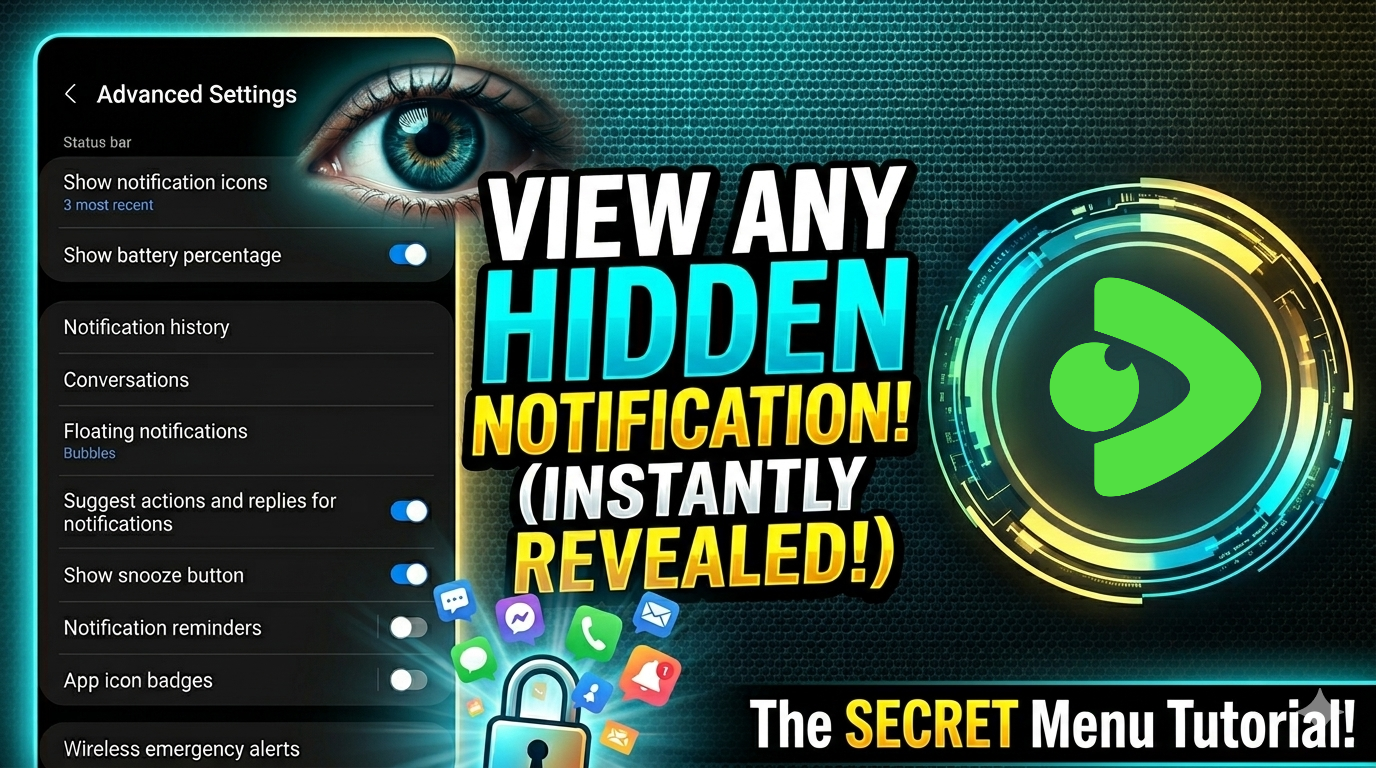
Happy weekends to you dear friends. It's my first time making a video and I wanted it to be very productive and helpful to anyone with a phone.
Unfortunately I've never use an iPhone before and I know perhaps the navigation is very different than on Android. I'll try iPhone done the road but for now we'll stick to Android tutorials.
My first video is to teach you a trick that I think could be a life saver to anyone that is not already aware. You can watch the video, it's much easier than reading the blog because you get to see every step.
Quick question:
Have you ever swiped away a notification without even reading it and later thought that it was lost forever?
Or do you want to make sure that you see messages that vanish after just a few of seconds?
Most users of the Android OS never realize that their devices create such secret logs automatically but for those who are curious about the secrets of Android operation system, I am ready to reveal one of the many hidden features of their mobile phones.
As soon as you get to your Advanced Settings page on your android phone, you will see several menu items for tapping on them.
In terms of UI or UX design and app development industry, each of them is called a list tile or menu item.
Their use determines their classification among the groups like preference controls, the menu items with an ability to enable or disable their action. A good example would be show or hide battery percentage. The navigation links, you trigger to open some other menu pages.
If you decide to watch my video tutorial, you can easily find your hidden Android logs yourself. It's very quick and easy to remember. If you forget, you can always come back to this video.
The order is very simple.
- Settings App - Notifications Menu - Advanced Settings Page.
In the advanced settings, you should look for Notification History row and toggle it to the active position.
It won't show immediately but if you come out of the page and go back, it'll start showing records. It records 24 hour log of all the alerts your phone received so just incase you swiped away something and you don't know which app saves it, you can use this trick to see it again.
Please if this helped you, drop a comment and I'll reply when I see it. I'm happy to be of help.
Posted with Speem
Your post have been rewarded by the Speak on Steem curator team!
Ways to support us:
Curated by @nevlu123
Thank you, I'm going to power up more so I'll delegate too