"I Powered Up 60 STEEM to Boost My Steem Power!" 🚀
"Assalamu Alaikum." (/)
Whenever I hear the word "power," I feel a warm sensation. Honestly, only the right amount of power can motivate us on the path toward the future. That is why it is important to have some power of our own. Just as it is important to have some power in our account. That is why we need to power up something every week. Whatever it may be, I have come to you today. I hope everyone is doing well. I am also doing well somehow.
Dear friends, today, as always, I have brought you another new Power Up post. The truth is that Power Ups are essential for increasing the strength of an account. Only through them can we take our account far. Therefore, to make my account stronger, I have decided to increase my Steem Power. I always try to increase it little by little. I hope I can take my Steem Power much further. I hope that with your support and encouragement, I will continue moving forward in the future.


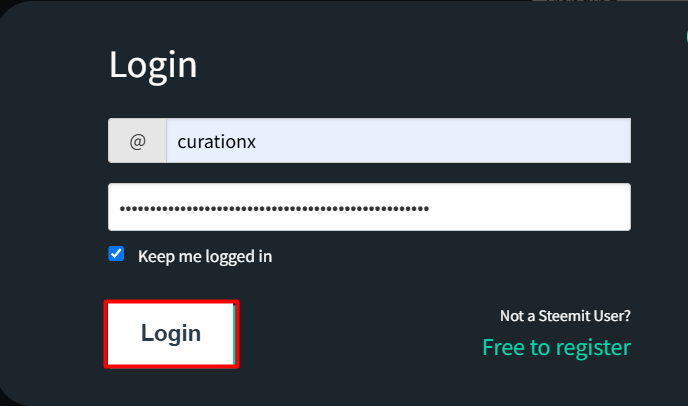
To power up, you first need to log in to your wallet using the password assigned to your Steemit account.
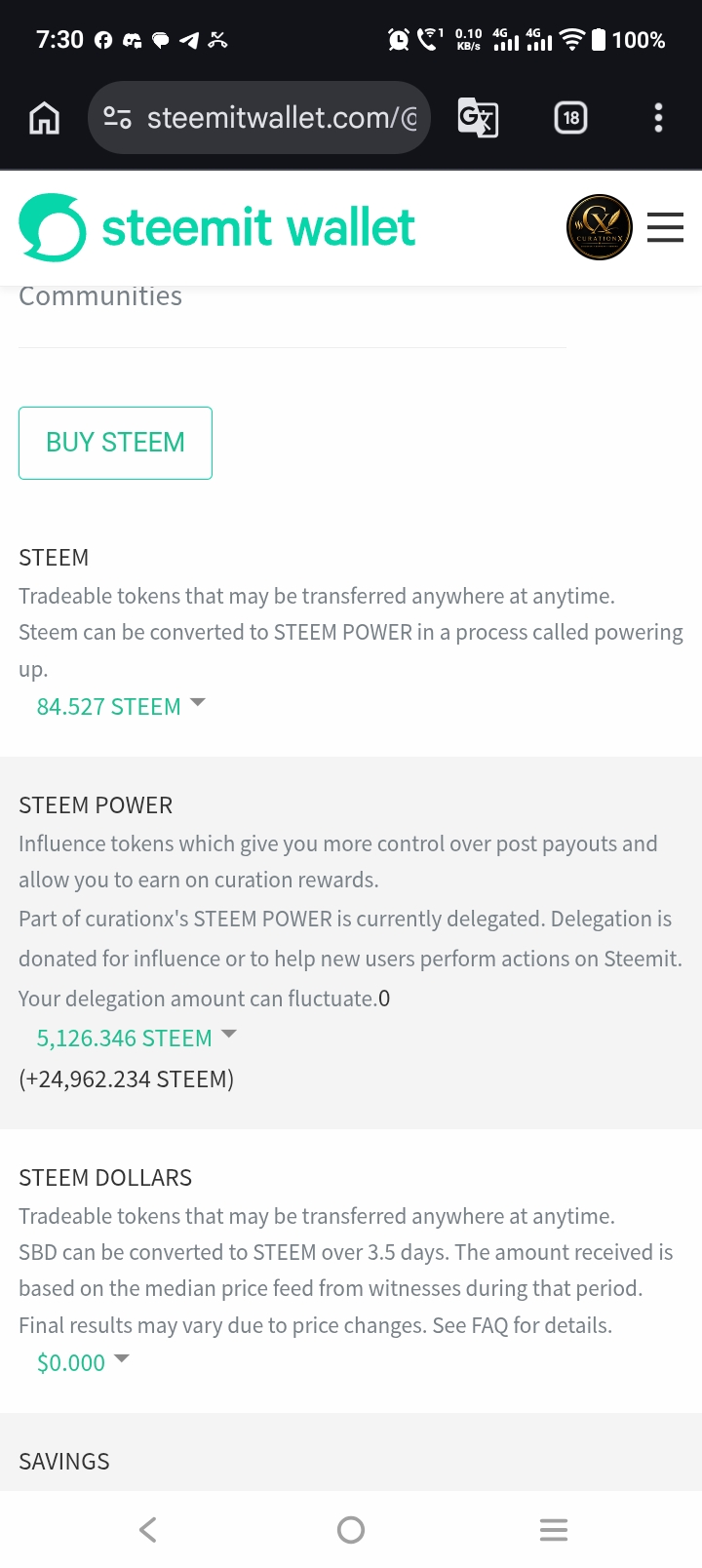
Now I need to check my Steemit wallet to see the status of my Liquid Steem and Steem Power before powering up. Before powering up, my Liquid Steem was 62.109 and my Steem Power was 5004.072.
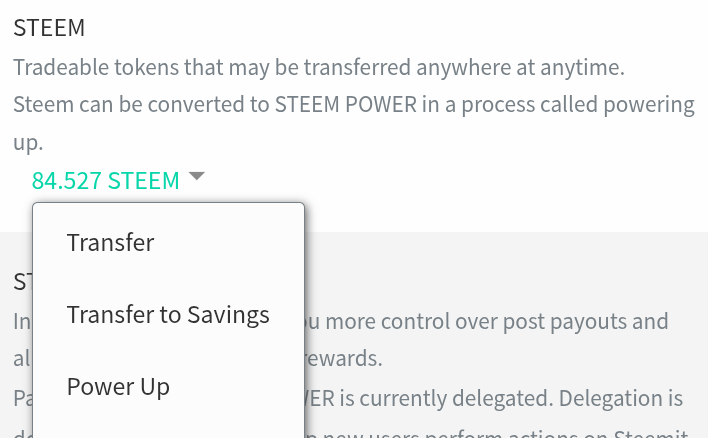
To power up, click on the drop-down menu next to the Liquid Steem balance in your wallet. You will see several options. Select the "Power Up" option.
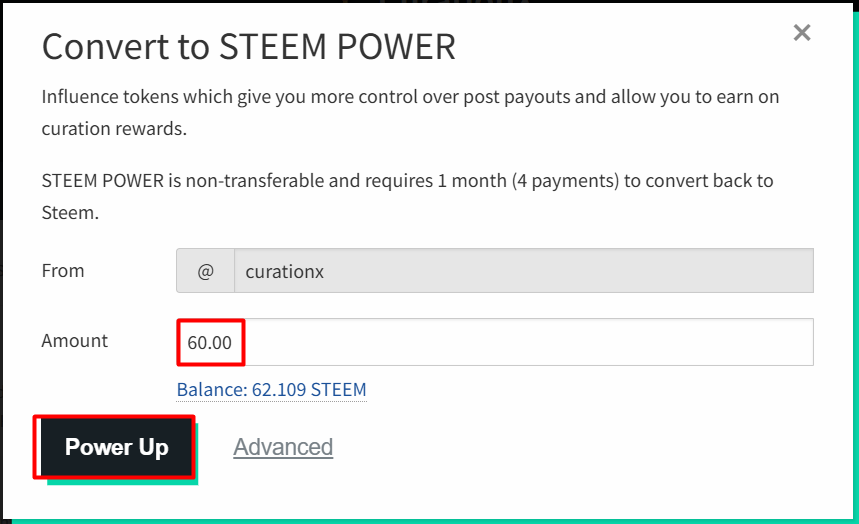
Now, in the interface that appears, you need to enter the amount of Steem you want to power up in the "Amount" field. Since I am going to power up 60 Liquid Steem, I need to enter 60 in the "Amount" field. Then click on the "Power Up" option.
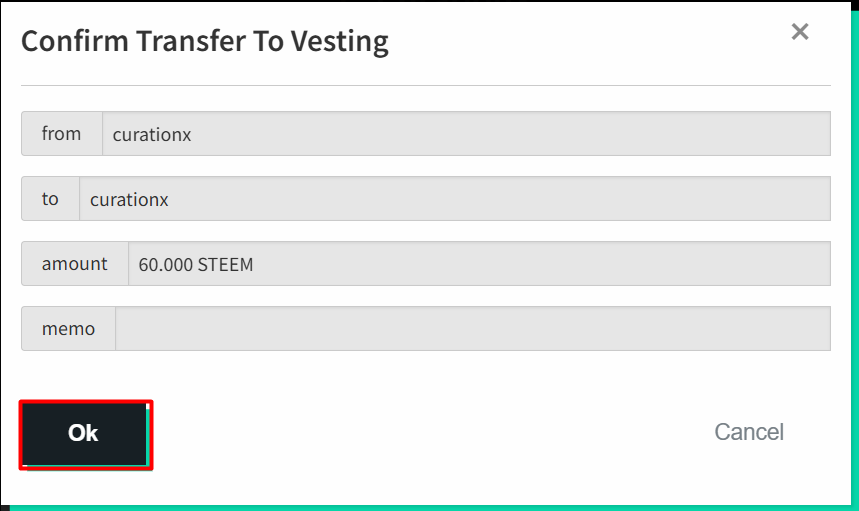
Now, we need to carefully review the interface that appears. Then, click the "OK" button.
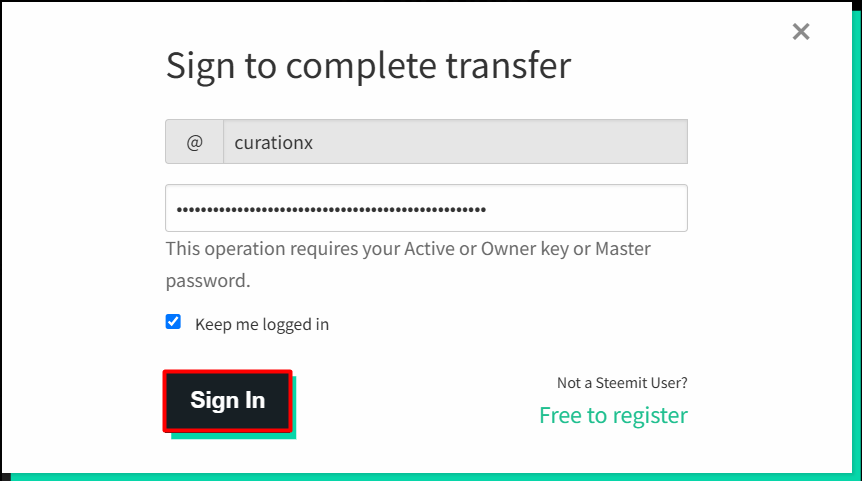
Now, in the interface that appears, verify that the Steemit ID is correct on the user's main page and enter the Steemit Active Key. Then click "Sign In." In this way, the process of powering up 60 Liquid Steem will be completed.
After logging in, an interface will appear showing that 60 Liquid Steem has been powered up. As a result, the values of Liquid Steem and Steem Power in the Steem Wallet have also changed.
| Wallet Status After Powering Up | |
|---|---|
| Previous SP | 5126.346 |
| Powered Up | 60 STEEM |
| Current SP | 5186.346 |
Final Words
I believe that if I continue making consistent efforts every week, I will be able to achieve my goal within the expected time.