Object Shining Effect
Assalamu Alaikum
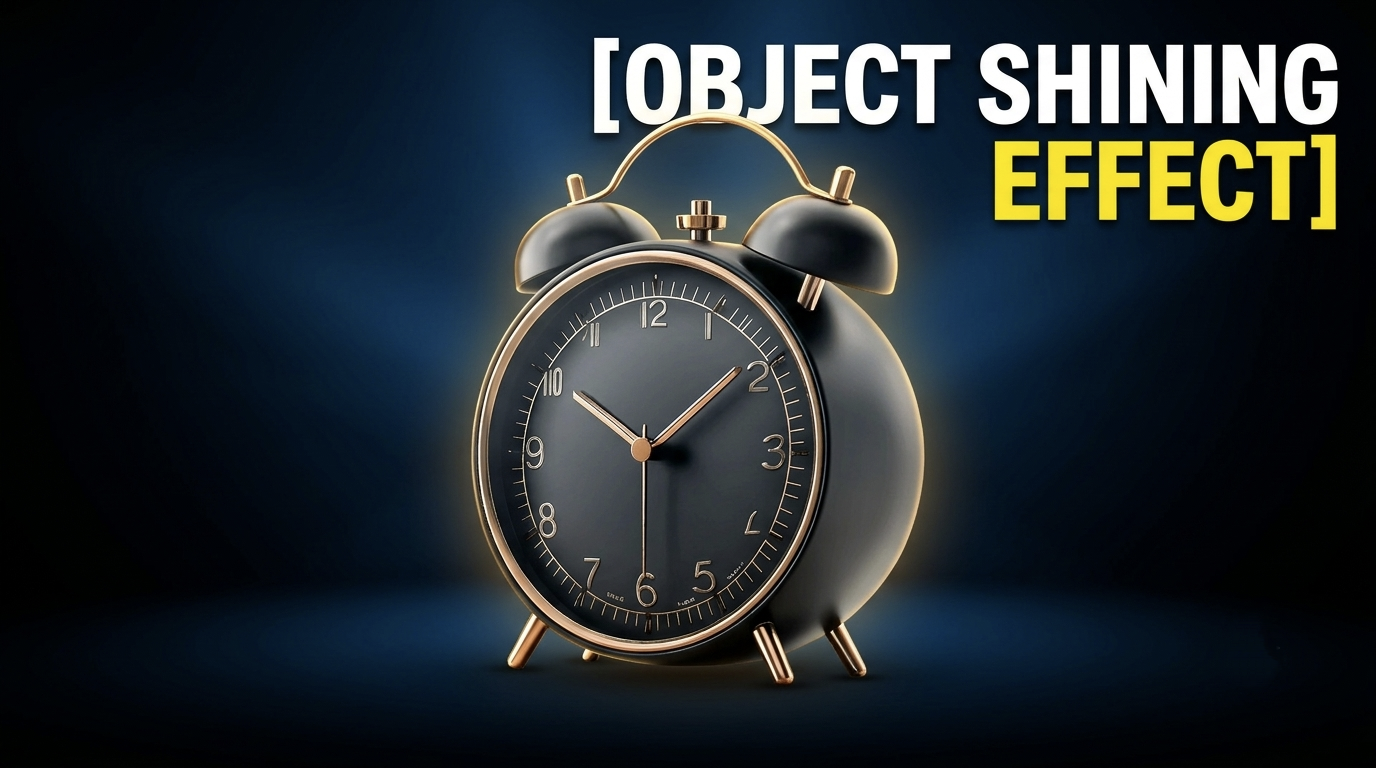
The effect that I will teach you today is called Object Shining Effect, after hearing the name you can understand that it will be some kind of shining animation on the object. Yes, you got it right, so let's start without further ado.
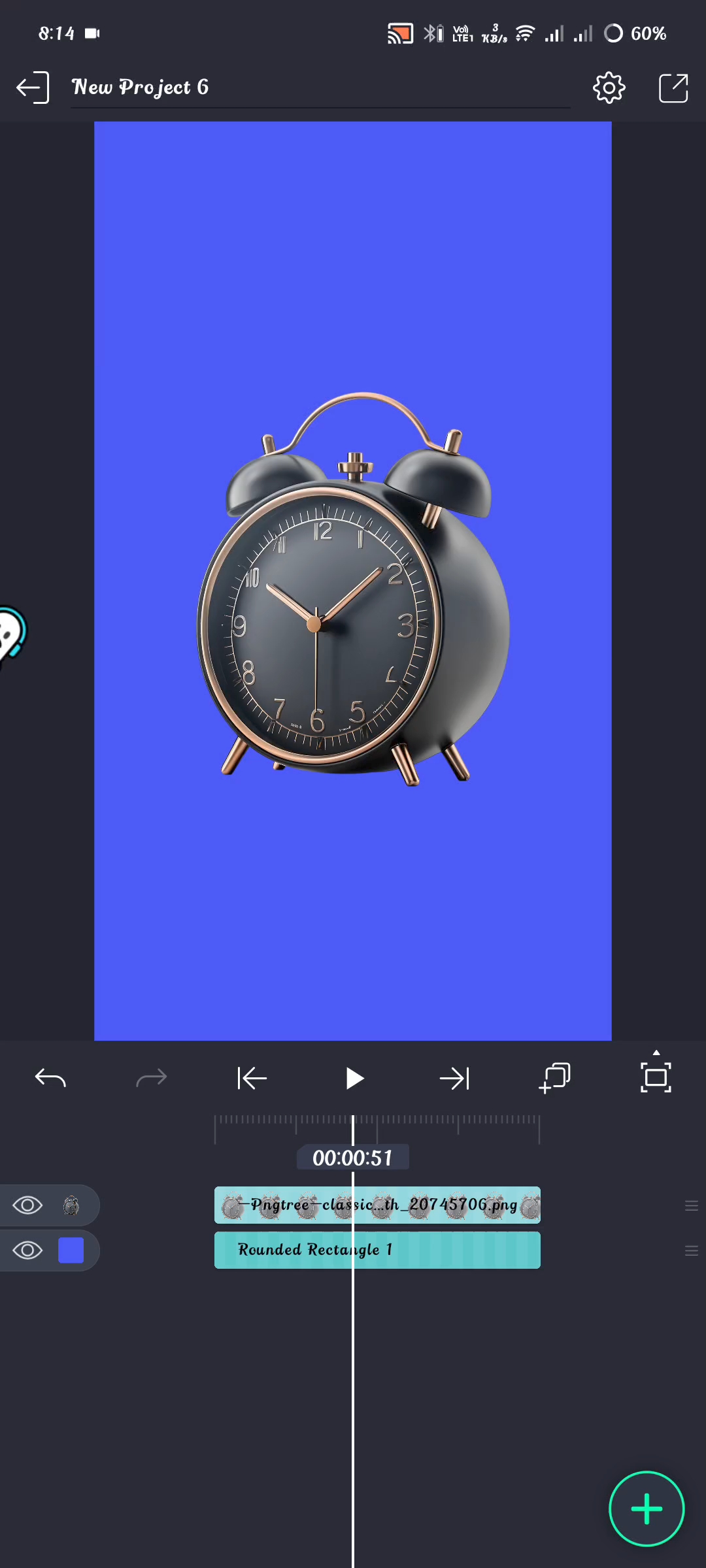
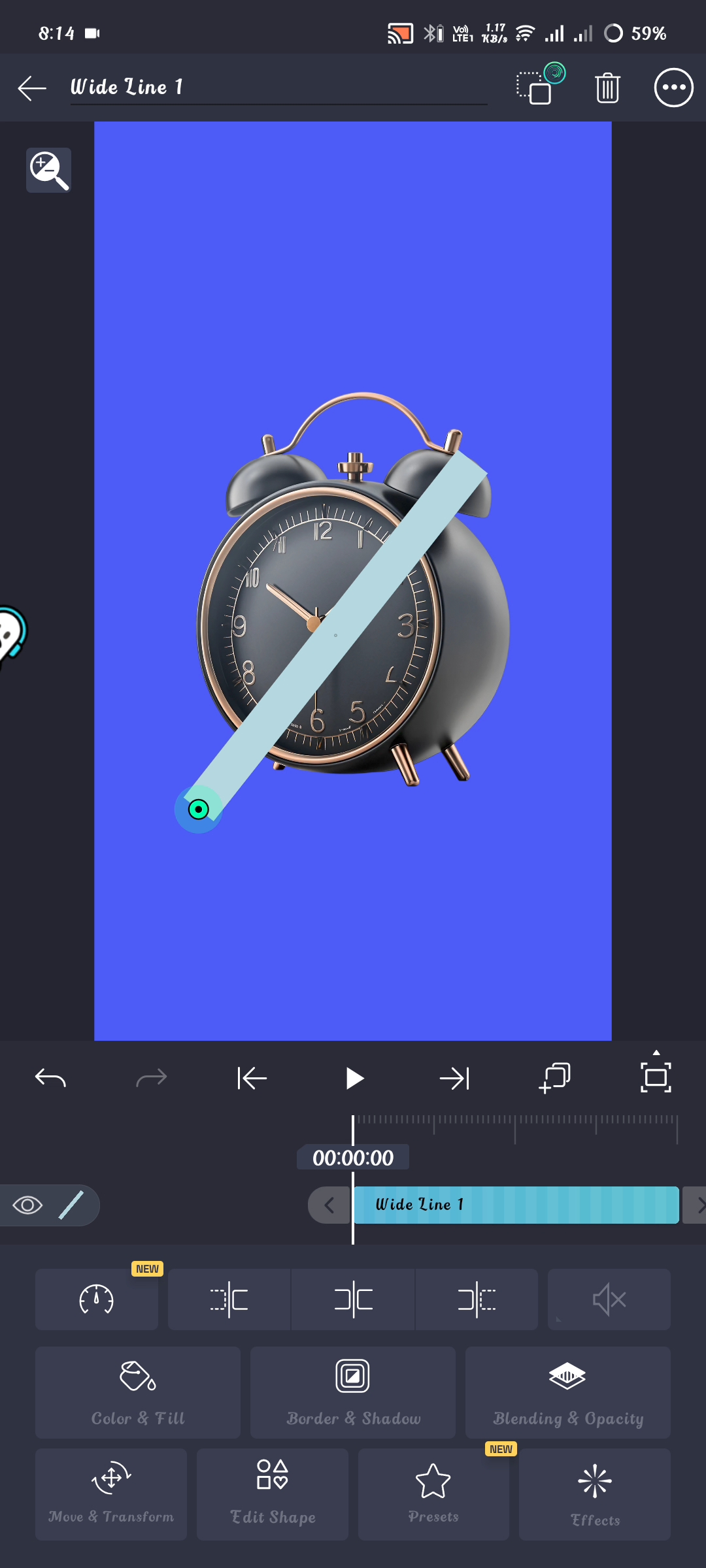
First, you will take a PNG of your choice, I took it at the beginning, here you can use anything you like, that is, any picture of a person, here I am using a PNG of a clock. And at the beginning, I took a background of sky blue color. I took another shape on the PNG, which is called wide line. I have arranged it beautifully in such a way that it can affect the entire PNG, when you take the shape, make this shape white because the shining effect of other colors is not so beautiful.
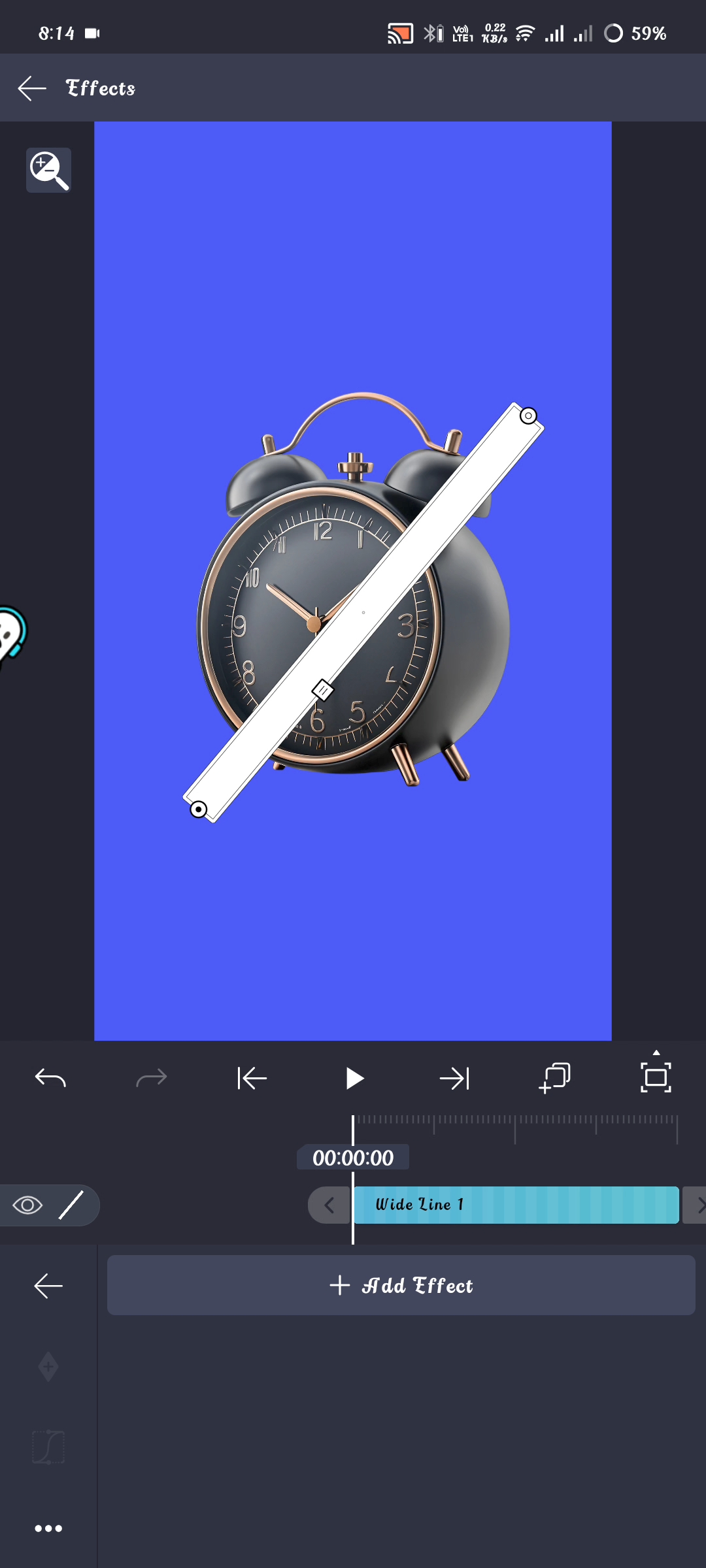
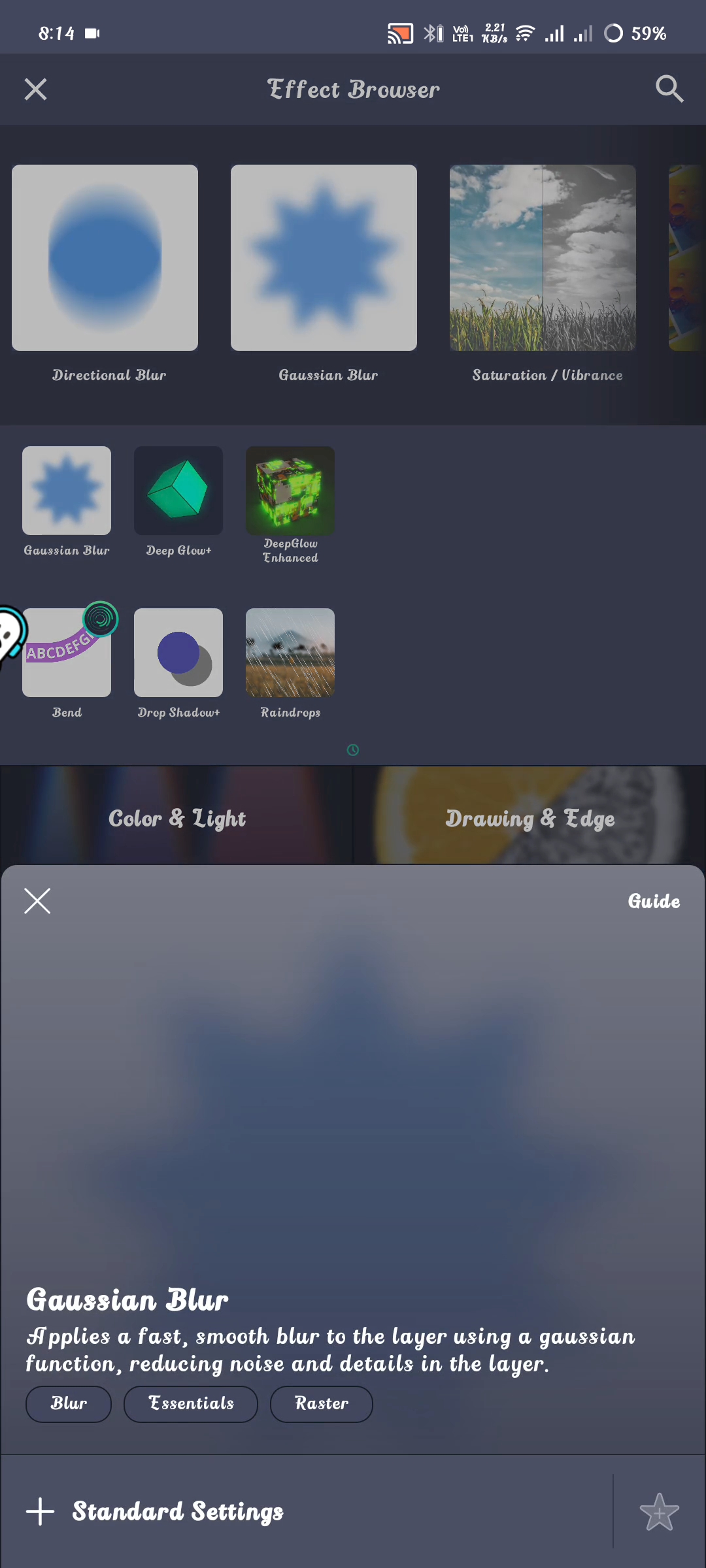
After we adjust the line, we will go to the effect options, there we will search for Gaussian blur and we will set the effect. Watch the whole video to see what to do next, then you will understand better. Today's discussion concludes here. I hope you've found it interesting. Please share your thoughts on today's topic. Prayers for everyone. May everyone be well. Amen.

Posted with Speem
Twitter
Your post have been rewarded by the Speak on Steem curator team!
Ways to support us:
!category 3
¡Hola!, querid@, espero que tengas un maravilloso día-noche, gracias por tomarte el tiempo de compartir tu publicación con nosotros. Te sigo animando, que publiques en la comunidad, éxitos, gracias por publicar en la comunidad.No olvides votar a @cotina como tu testigo o establecernos como proxy de voto!