I Ignored My Battery’s Physical Position – And It Cost Me a Week of Frustration
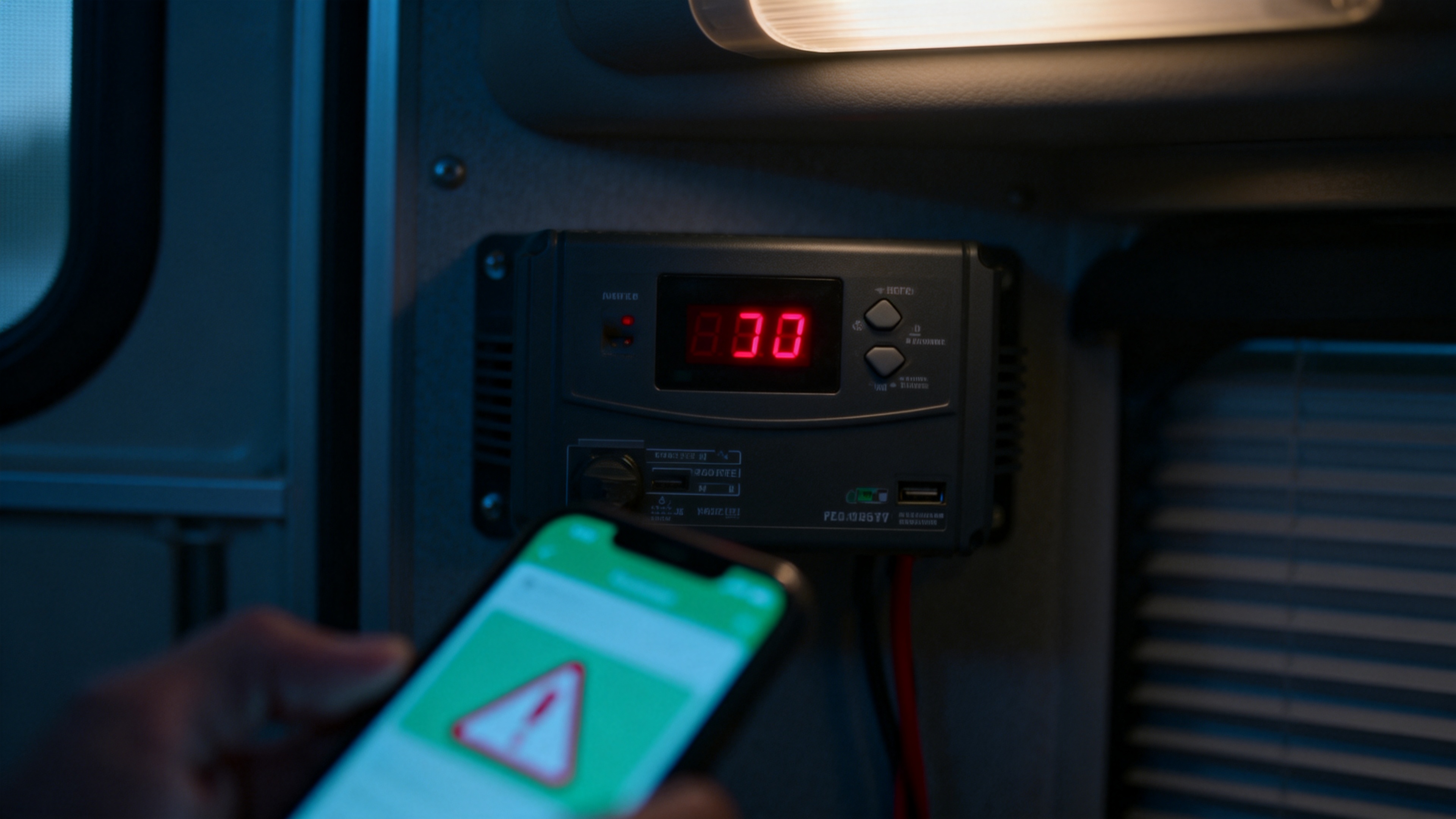
I like to think I’m a careful person. When I installed my first LiFePO₄ battery, I watched the voltage, set the BMS correctly, and torqued every terminal. I was proud of my clean setup.
Then the problems started.
On cold mornings, my system would shut down without warning. The BMS showed no faults. The voltage looked fine. But as soon as I pulled a little current, everything died.
I spent days checking cables, updating firmware, and reading forum posts. I even bought a new shunt to measure current more accurately. Nothing helped.
Finally, a friend visited and saw my battery sitting directly on a cold concrete floor. He laughed. “Move it up,” he said. “Put a rubber mat underneath.”
I did. Problem solved.
The battery wasn’t broken. The BMS wasn’t lying. The issue was where I put the battery – a factor that has nothing to do with chemistry or electronics.
What The BMS Can’t See
Your BMS monitors voltage, current, and internal temperature. It does not monitor:
- Uneven cooling across cells (like when one side sits on cold concrete)
- Vibration loosening terminals over time
- Moisture condensation inside an unventilated enclosure
- Heat buildup from poor airflow
These physical conditions can cause the exact symptoms I experienced: imbalance, early cutoffs, and reduced usable capacity. Yet no warning ever appears on your phone app.
The Lesson I Learned (And A Resource That Helped)
After fixing my mounting issue, I looked for a complete guide on what else I might be missing. I found one that covers not just mounting, but also ventilation, orientation, and how to inspect your battery for hidden problems.
It explained things like:
- Why a rubber mat or wooden board under your battery prevents cold‑induced imbalance
- How passive airflow (just holes at top and bottom) can extend battery life significantly
- Why manufacturers specify mounting orientation – and what happens if you ignore it
👉 If you want to read the full breakdown of battery mounting do’s and don’ts, check out this detailed guide:
LiFePO₄ Battery Safety: Essential Do’s and Don’ts for Safe Operation
What I Do Differently Now
After that week of frustration, I changed a few small habits:
- Never place a battery directly on a concrete floor – I use a rubber stall mat or a piece of plywood.
- Leave at least 5cm of space around all sides – air needs to move.
- Check the case temperature occasionally – if it’s hot to the touch, I add ventilation.
- Secure the battery against vibration – especially in my van setup.
These things cost almost nothing. They add years to battery life. And they prevent the kind of maddening “ghost” failures that make you think your battery is dying.
The Bottom Line
Your battery is only as reliable as the environment you put it in. The BMS handles electrical threats. You handle the physical ones.
A cold floor, a sealed box, or an odd mounting angle can silently steal your battery’s performance – and you’ll never see an error message.
Don’t learn this the hard way like I did. Check where your battery sits today.