Farming Solana Airdrops Across 20 Phantom Wallets on iOS Cloud
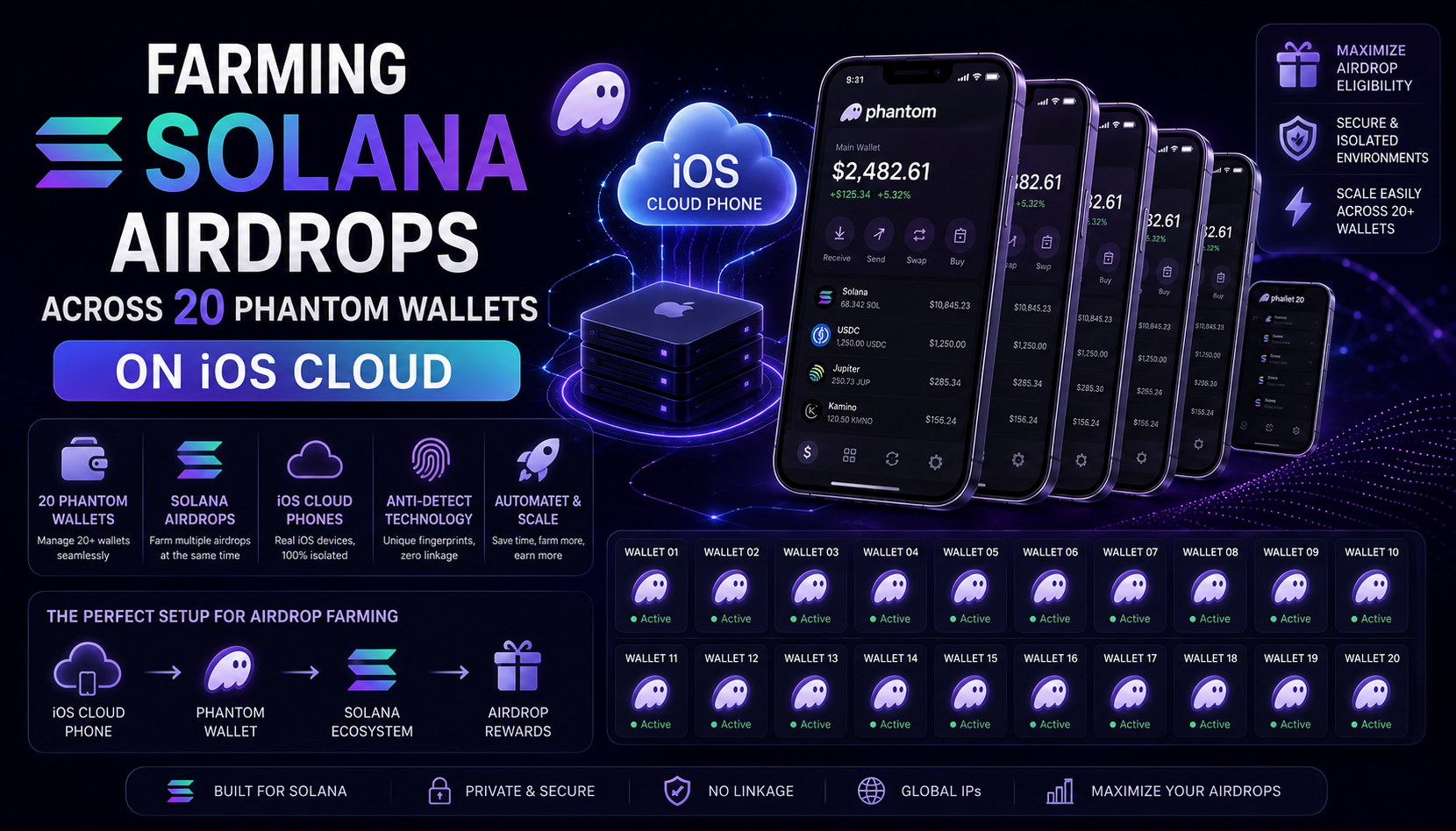 *
*I currently run 20 Phantom wallets for Solana airdrop farming. Six months ago I ran 30, but I cut the group after Jupiter's second Jupuary round used behavioral fingerprints to slice the eligibility list by roughly 40%. That cut taught me something I had been sloppy about: the wallet address is only the visible layer. The device, the browser, and the mobile app fingerprint are what the Sybil filters actually read.
This post covers the exact setup I run today. It is Phantom-specific because Phantom is where the Solana ecosystem lives, dApp signing, deep links, mobile-first swap flows on Jupiter, Sanctum staking, Kamino borrow positions. If you are farming Solana in 2026, you are farming through Phantom. And Phantom's mobile app is where most of the fingerprint signals get generated.
Why the Desktop-Only Setup Stopped Working
Two years ago you could run a Phantom browser extension inside a decent antidetect browser, assign a residential IP per profile, and call it done. That is no longer enough. Here is what shifted.
Solana dApps went mobile-first. Jupiter's mobile swap volume passed 45% of total swap volume in Q1 2026. Sanctum, Kamino, and Drift all pushed users toward mobile signing through Phantom's deep-link protocol. The Sybil detection teams behind these protocols now cross-reference mobile app opens against on-chain behavior. If your 20 wallets only ever signed from a desktop browser, that pattern alone gets you clustered.
Then came the mobile attestation upgrade. Phantom's iOS build added device attestation checks that read Apple's DeviceCheck API and App Attest tokens. These tokens are hardware-signed and tie a session to a real iPhone. An Android emulator cannot produce them. An iOS simulator running on a Mac cannot either. Only a real iOS device or a cloud-hosted real iPhone can. This is the piece most Solana farmers still get wrong.
I covered the desktop wallet-isolation side of this earlier this year in How I Farm Crypto Airdrops Across 30 Wallets Without Getting Flagged as a Sybil. That post still holds for the desktop layer. What follows is the mobile piece I bolted on top of it after the Jupuary cut.
The Three-Layer Stack I Run Today
Three layers, each doing one job.
*
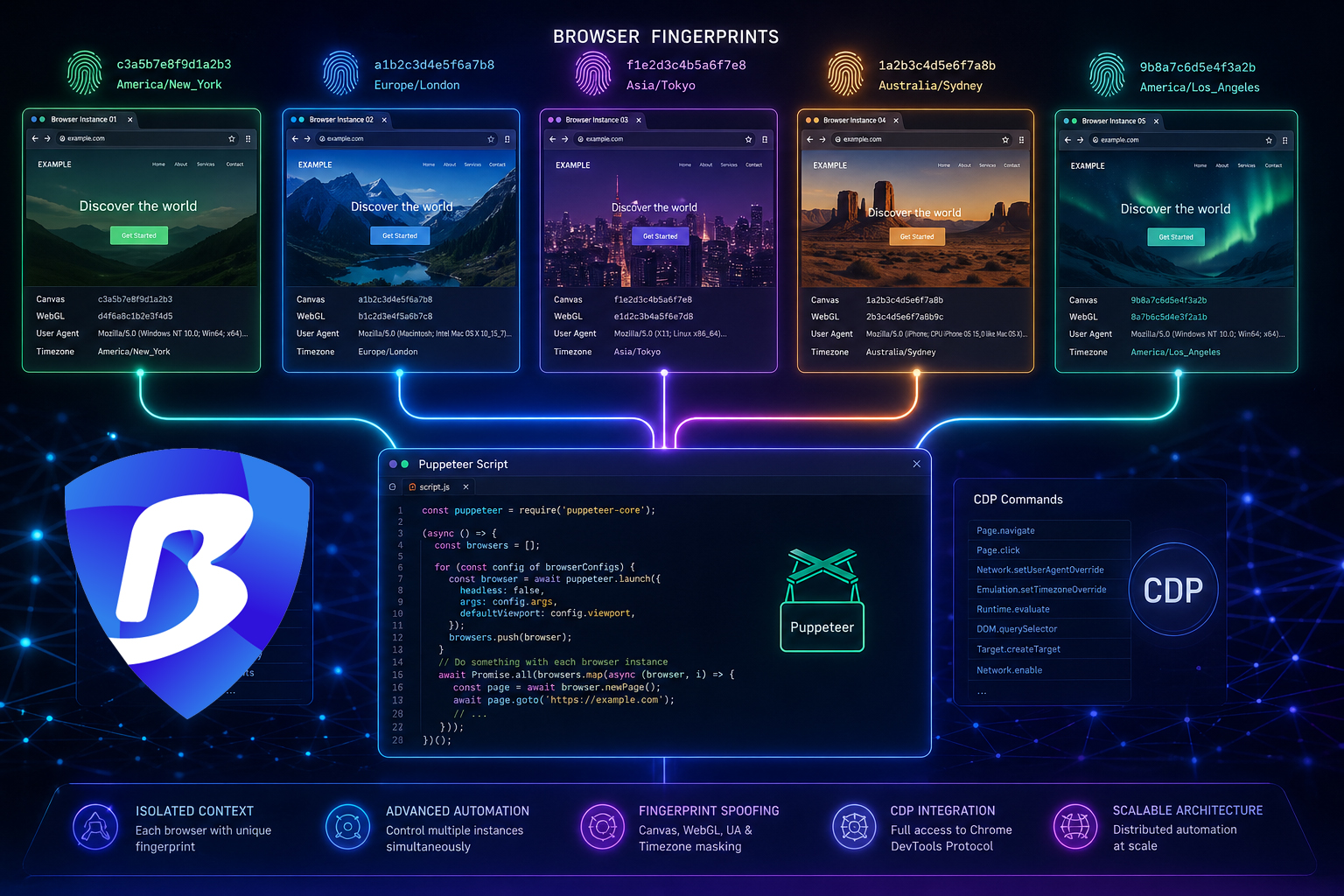
Desktop signing and dApp interaction: BitBrowser. Each of my 20 Phantom browser extensions lives in its own BitBrowser profile with a persistent fingerprint, cookie isolation, and a dedicated residential IP. I picked BitBrowser after testing it against Multilogin, AdsPower, and Dolphin because its fingerprint persistence across sessions was the most stable of the four, and its free plan covers 10 profiles with no time limit, which let me scale into it before paying anything. The persistent fingerprint matters because Solana dApps like Marginfi, Kamino, and Backpack Exchange track return visitors through canvas, WebGL, and audio-context hashes. If your fingerprint shifts every session, you look like a new user every time, which is its own Sybil signal.
Between the three antidetect browsers I tested seriously, BitBrowser is what I settled on for Solana farming specifically. Multilogin has a stronger enterprise story but the price for 20 profiles makes zero sense for a solo farm. AdsPower is fine for e-commerce ops but its Phantom extension sync between profiles was flaky in my testing. BitBrowser was the one that let me script bulk Phantom extension imports across all 20 profiles at once through the Local API. That saved me maybe 8 hours of manual setup.
Android-side mobile flows: BitCloudPhone. For dApps that only ship an Android APK, or that behave differently on Android compared to iOS (Backpack's Android app batches transactions slightly differently), I run each wallet in its own BitCloudPhone Android device. Each device gets its own IMEI, Android ID, MAC, and mobile 4G proxy. Roughly 8 of my 20 wallets sit on this layer. Cloud phones on Android have been available for a while, but the piece that changed for Solana specifically was the second layer below.
iOS-side mobile flows: BitCloudPhone iOS. This is the layer that matters for anything reading Apple's DeviceCheck or App Attest tokens. My other 12 wallets sit here. BitCloudPhone iOS runs real hosted iPhones, not simulators. Each device has a unique IDFA, a distinct Apple ID region, and passes App Attest cleanly because the attestation is coming from actual Apple silicon. Phantom's iOS build treats these sessions as genuine mobile users because at the attestation layer they are genuine mobile users.
This split matters because different airdrop protocols weight different signals. Sanctum's Sybil model in Q1 2026 leaned heavily on iOS mobile session data. Jupiter's Q2 model leaned more on cross-app behavior between Phantom and Backpack. Drift used both plus withdrawal graph analysis. Running one mobile OS across all wallets is how you get filtered on protocols you did not know were tracking that dimension.
How I Split 20 Wallets Across the Stack
- Wallets 1 to 8: BitBrowser desktop + BitCloudPhone Android + 4G mobile proxy per device
- Wallets 9 to 20: BitBrowser desktop + BitCloudPhone iOS + 4G mobile proxy per device
- Each wallet has its own dedicated residential or mobile proxy on the desktop side (I rotate between Proxy-Seller and IPRoyal for the residential pool)
- Each wallet has its own Google email or Apple ID, registered from within the matching cloud device
- Funding paths never cross. I fund through non-KYC swaps or fresh CEX sub-account withdrawals
The behavioral piece matters more than most farmers admit. Sanctum's team wrote in their post-drop retro that behavioral clustering caught more Sybils than address graph analysis did. Sessions get spaced out across days rather than hours. Signing 20 transactions across 20 wallets in the same 90-minute window before a snapshot is a hard no. Swap sizes vary. Slippage settings vary. A small amount of behavioral variance kills the easiest cluster patterns before they form.
For readers picking wallets beyond Phantom, Best Crypto Wallets to Use with BitBrowser for Airdrop Farming in 2026 has profile setup notes for Backpack, Rabby, and Rainbow alongside Phantom. I use that as a reference when adding new chains to the farm.
Why iOS Cloud Phones Became the Bottleneck
*
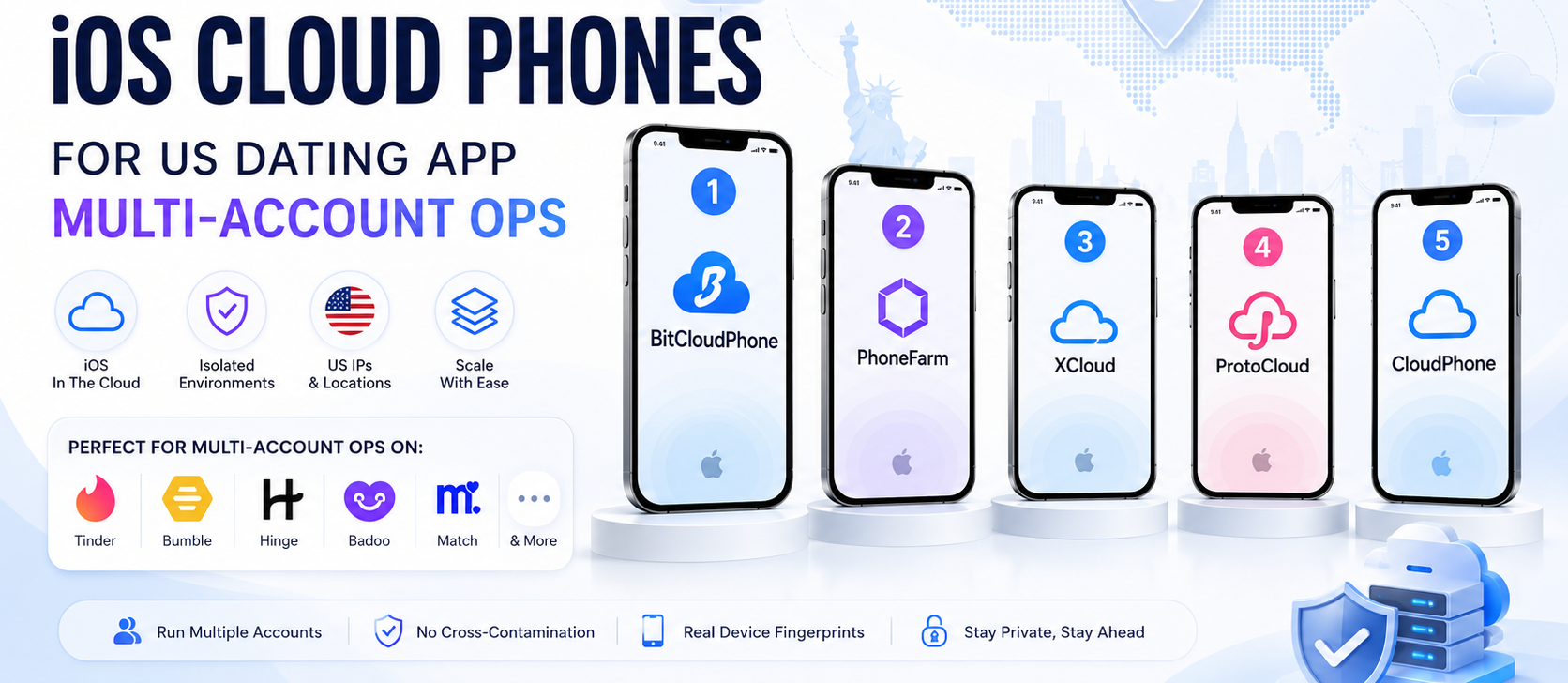
Two years back, cloud phones were an Android-only category. That is what killed a lot of early Solana farms. The mobile side was running on Android emulators pretending to be iPhones, and Phantom's iOS attestation caught them the moment the check went live in production. iOS cloud phones changed the ceiling. Real hosted iPhones, real DeviceCheck responses, real IDFA values that Apple's servers accept as legitimate. If you are farming any Solana protocol that ships a Phantom deep link into an iOS wallet flow, you need this layer.
BitCloudPhone iOS is what I run because their pricing per device stays workable at 20+ concurrent phones, and their region assignment lets me pair each wallet's exchange withdrawal geography with a matching iOS device region. That pairing gets underestimated. If your wallet withdrew from Binance Turkey but your iOS device shows a US region and a US Apple ID, that mismatch is a signal a decent Sybil pipeline will pick up. Match the geography end-to-end or you undo the isolation work.
There are other iOS cloud phone options on the market. GeeLark added iOS support in 2026, and Nstbrowser has a small iOS pilot. Both work. But for the Solana-specific use case where Phantom deep-link flows matter, BitCloudPhone iOS has been the most reliable option I have tested for App Attest passthrough, which is the check that quietly kills most Sybil farms right now.
Mistakes That Killed Wallets in My 30-to-20 Cut
- Reusing the same iCloud email variant across 5 iOS devices
- Signing all 20 wallets during the same 6-hour window ahead of a snapshot
- Running the desktop and mobile side of the same wallet on IPs from different ASN countries
- Using the free tier of a proxy provider that recycled IPs across users
- Forgetting to isolate Phantom's autofill cache between browser profiles
That last one catches more people than they realize. Phantom's browser extension caches recent RPC endpoints and dApp permissions. If two profiles share a Chromium user data directory, they share that cache. BitBrowser's profile isolation prevents this by default. A stock Chromium multi-profile setup does not.
Closing Note
The Solana farm meta shifted from isolating the wallet address to isolating the device the wallet lives on. The people still running 2024 stacks are getting cut round after round. Antidetect browsers, cloud phones, and iOS cloud phones stopped being three separate categories and turned into layers of one setup. The stack above kept my 20 wallets clean through four snapshot rounds this year. Adjust it to your own risk appetite, but do not skip the iOS layer if you are farming anything that touches Phantom's mobile deep links.
Tags: crypto, solana, airdrop, phantom, privacy