Navigating the Bangladesh e-Passport: Your Complete Guide
Applying for or renewing a Bangladesh e-Passport has become much more streamlined with the official online portal system. Whether you're applying from inside Bangladesh or abroad, here is everything you need to know to get your biometric passport smoothly.
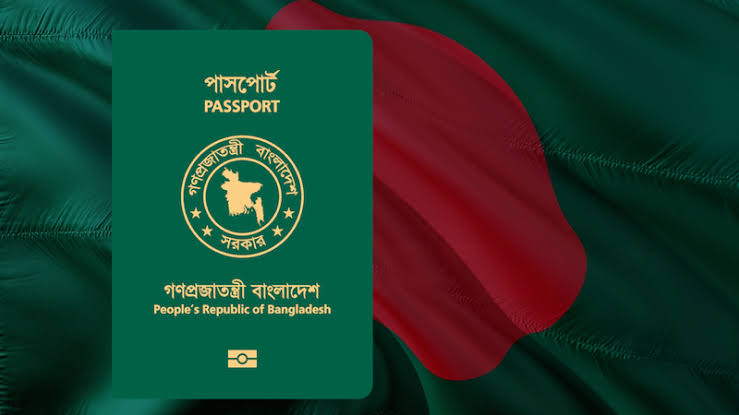
5 Steps to Your e-Passport
- Online Application:
- Head over to the official Bangladesh e-Passport Portal.
- Fill out the application form carefully, matching all details with your National ID (NID) or online 17-digit Birth Registration Certificate.
- Choose Validity & Pages:
- Select between a 5-year or 10-year validity passport.
- Choose your preferred page count (usually 48 pages or 64 pages).
- Fee Payment:
- Pay the required government fees through authorized online payment gateways or partner banks. Fees vary based on delivery urgency (Regular, Urgent, or Express).
- Biometric Enrollment:
- Book an appointment and visit your nearest Regional Passport Office (RPO) or Bangladesh Mission (if abroad).
- Bring your printed application summary, payment receipt, old passport (if applicable), and original NID/Birth Certificate.
- Staff will capture your digital photograph, fingerprints, and iris scan.
- Collection:
- Track your application status online. Once printed, collect your e-Passport in person or choose postal delivery if available.
Essential Photo Guidelines for Your Application
To avoid application rejections or delays, make sure your digital photo upload or physical print meets standard ICAO requirements:
- Track your application status online. Once printed, collect your e-Passport in person or choose postal delivery if available.
- Background: Pure, solid white with zero shadows or patterns.
- Expression: Strict neutral expression, mouth completely closed (no smiling).
- Pose: Direct face-forward view, shoulders squared, eyes open and looking at the lens.
- Accessories: Avoid wearing glasses or headwear unless strictly for religious/medical reasons (ensure your face from chin to forehead and both edges of your face are fully visible).
Pro-Tip: Always double-check your spelling against your NID card before submitting your online form. Minor spelling discrepancies between your passport and national identity documents can lead to complications with police verification and international travel!